
Signing in
Sign in to ShockAI with your email and password, or with a one-time code sent to your email.
There are two ways to sign in to ShockAI: your email and password, or a one-time code we email you. Both take you to your team's dashboard. Go to app.shockai.co and use whichever suits you.
Watch it
0:49
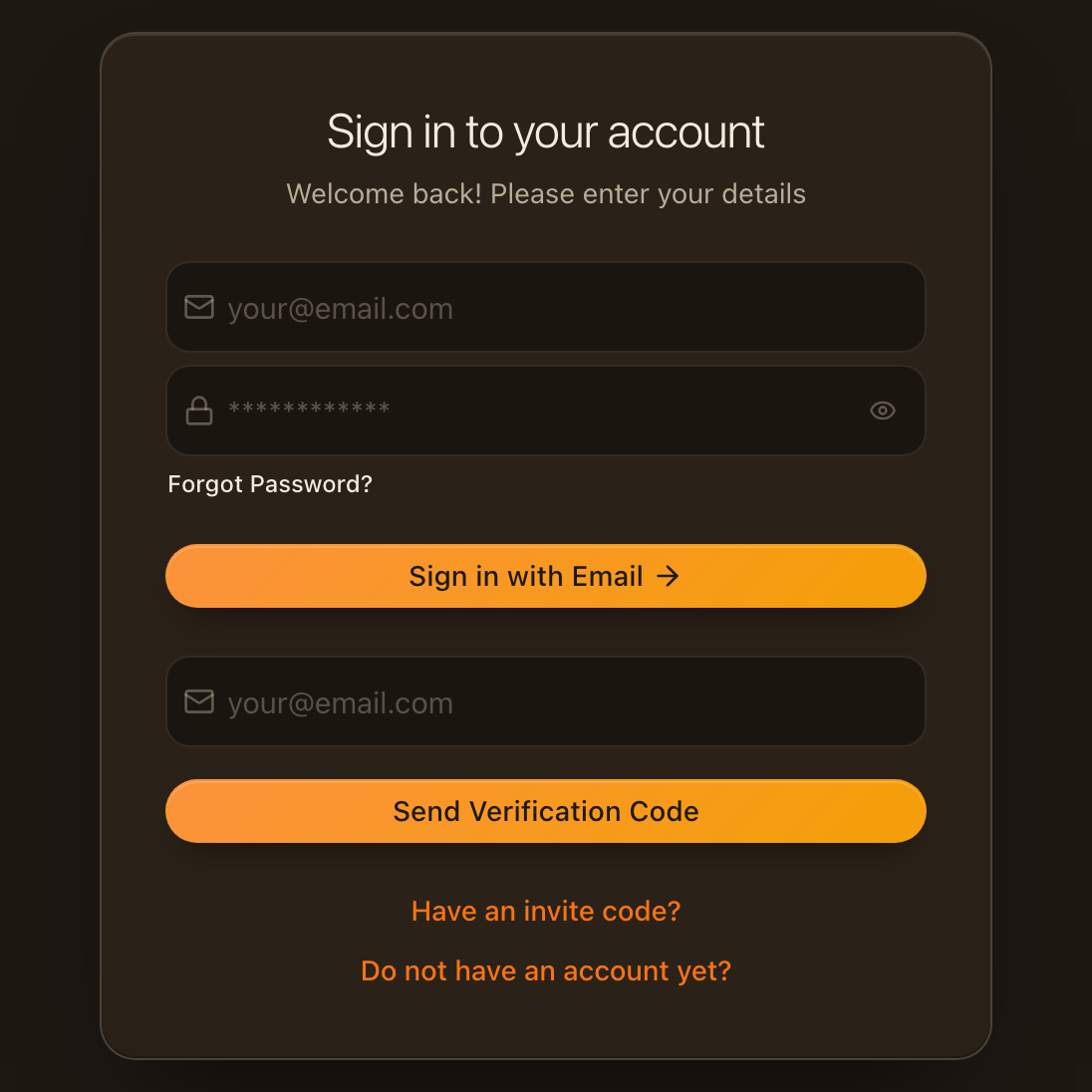
With your password
0:11
- Enter your work email and password in the top two fields.
- Click Sign in with Email. You land on your team's dashboard.
Forgotten your password? Click Forgot Password? under the password field to reset it, or sign in with an email code instead.
With an email code
No password needed: we email you a code that signs you in once.
0:25
- Enter your work email in the lower field and click Send Verification Code.
- Open the email from ShockAI. It holds a six-digit code.
- Back on the sign-in page, type the six digits into the boxes and click Verify Code.
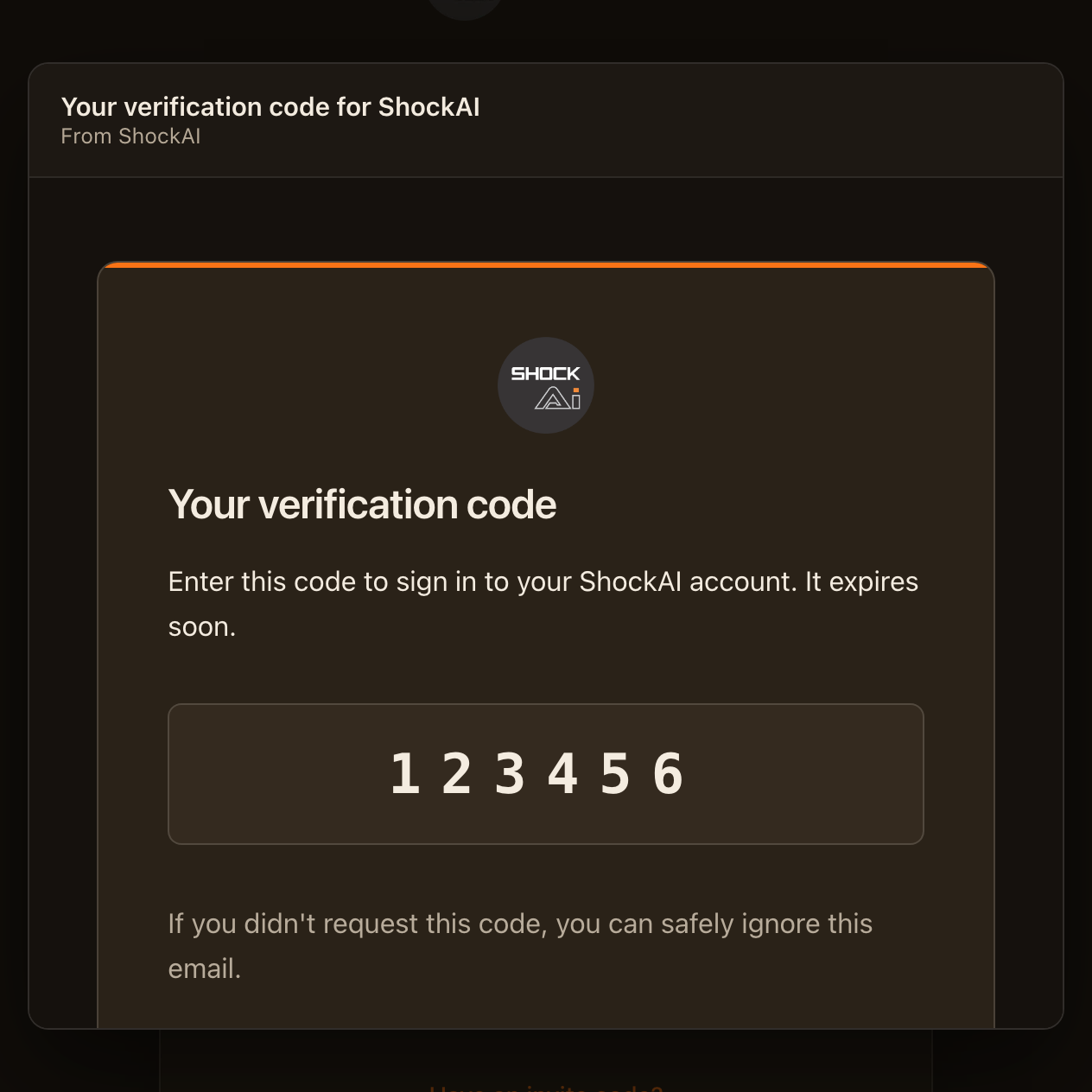
Codes expire after a short while. If yours has, click Request New Code and use the code in the newest email.
If you can't sign in
- No email after a minute. Check your spam or junk folder, and that you typed the address your invitation was sent to.
- Wrong password. Click Forgot Password?, or use an email code.
- New to ShockAI. If your team has invited you, click Have an invite code? on the sign-in page.
- Still stuck. Ask your workspace admin, or contact ShockAI support.