
Keyboard shortcuts
Every VoD Analyser shortcut, generated from the analyser's own actions so this page can never drift from the keys that fire, with the command palette and Help.
Press ? in the analyser for the shortcuts sheet at any time. This page lists the same keys. It is generated from the analyser's own actions, so the two cannot disagree.
Letters fire when the chart has your attention and nothing else does. A focused button, or a field you are typing in, keeps them. Chords with Shift or ⌘/Ctrl fire even when a button is focused. ⌘ on a Mac is Ctrl elsewhere.
The keys you will use most
| Keys | What they do |
|---|---|
| C V S | Cable Length, Continuous VoD, Segmented VoD |
| 1 to 9 | Focus the holes in firing order. Again steps through the hole's zones |
Q to P | Focus zones 1 to 9 of the recording |
| D | The ruler, on Cable Length |
| Shift+Y | Hold the Cable Length scale to the whole record |
| Shift+O | The overview or the timeline tracks |
| Shift+R | Step through the column ranges |
| B Shift+D Shift+S | The timing markers, their deltas, and their settings |
| F | Full screen |
| J K | The next and previous event |
Command palette
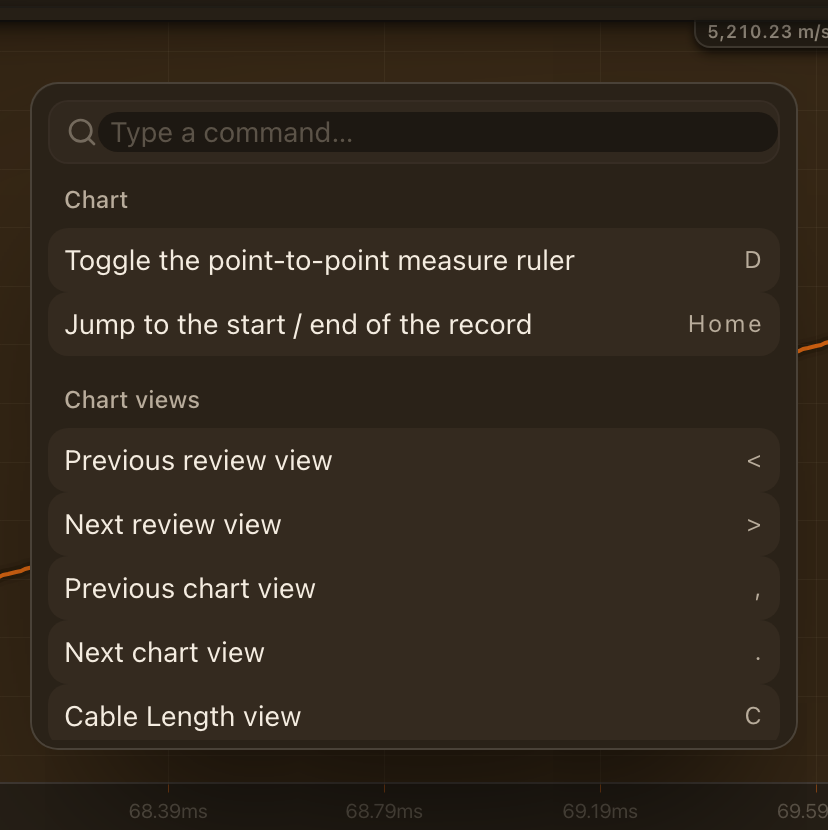
Press Ctrl+K for the command palette. Type part of an action's name and press Enter to run it. Anything with a shortcut is in the palette, so it is also the quickest way to learn the keys.
Help
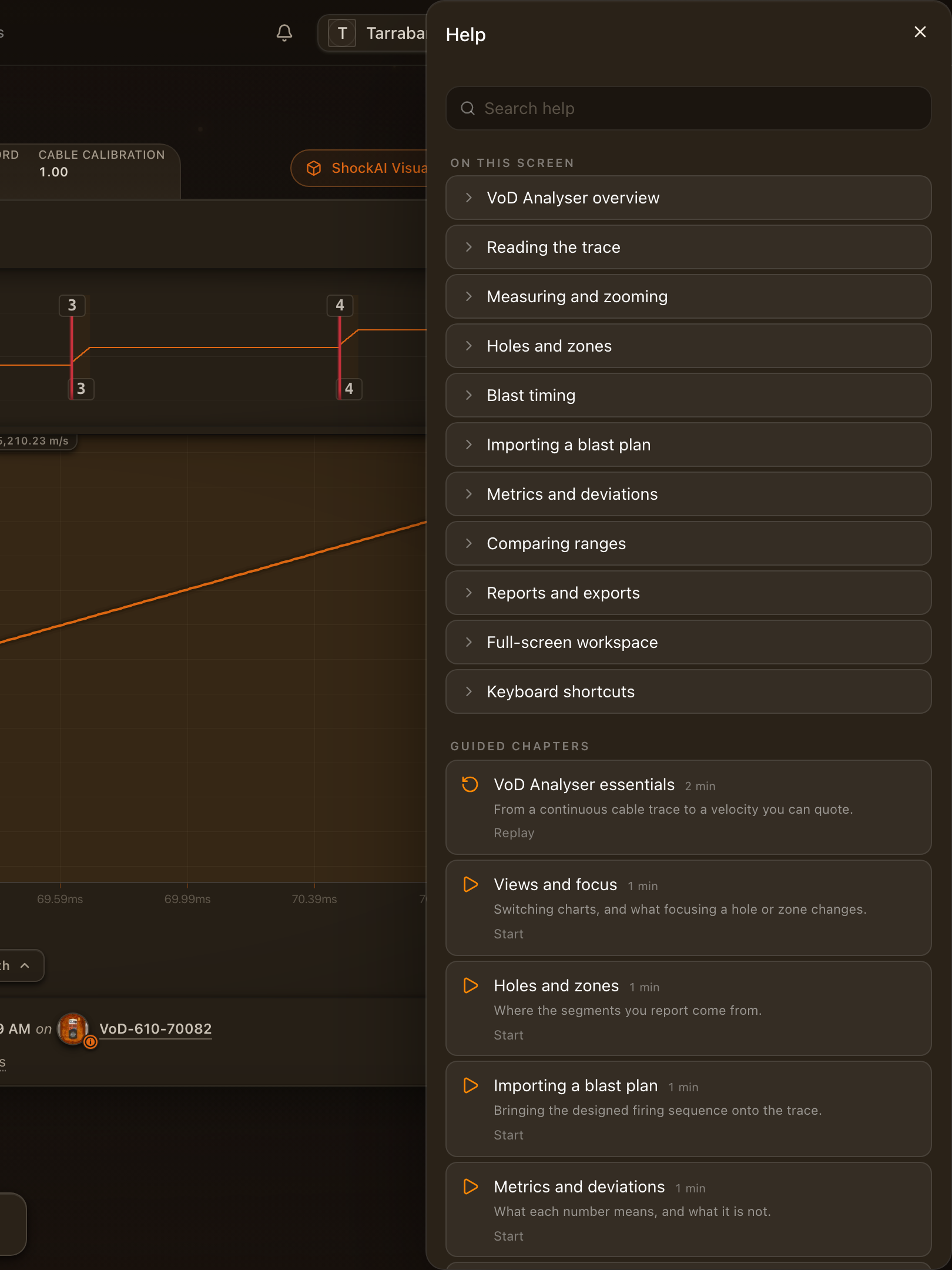
The Help button on the toolbar holds the tours, the walkthrough video and the pages of this documentation for the screen you are on. Replay any tour from there.
All shortcuts
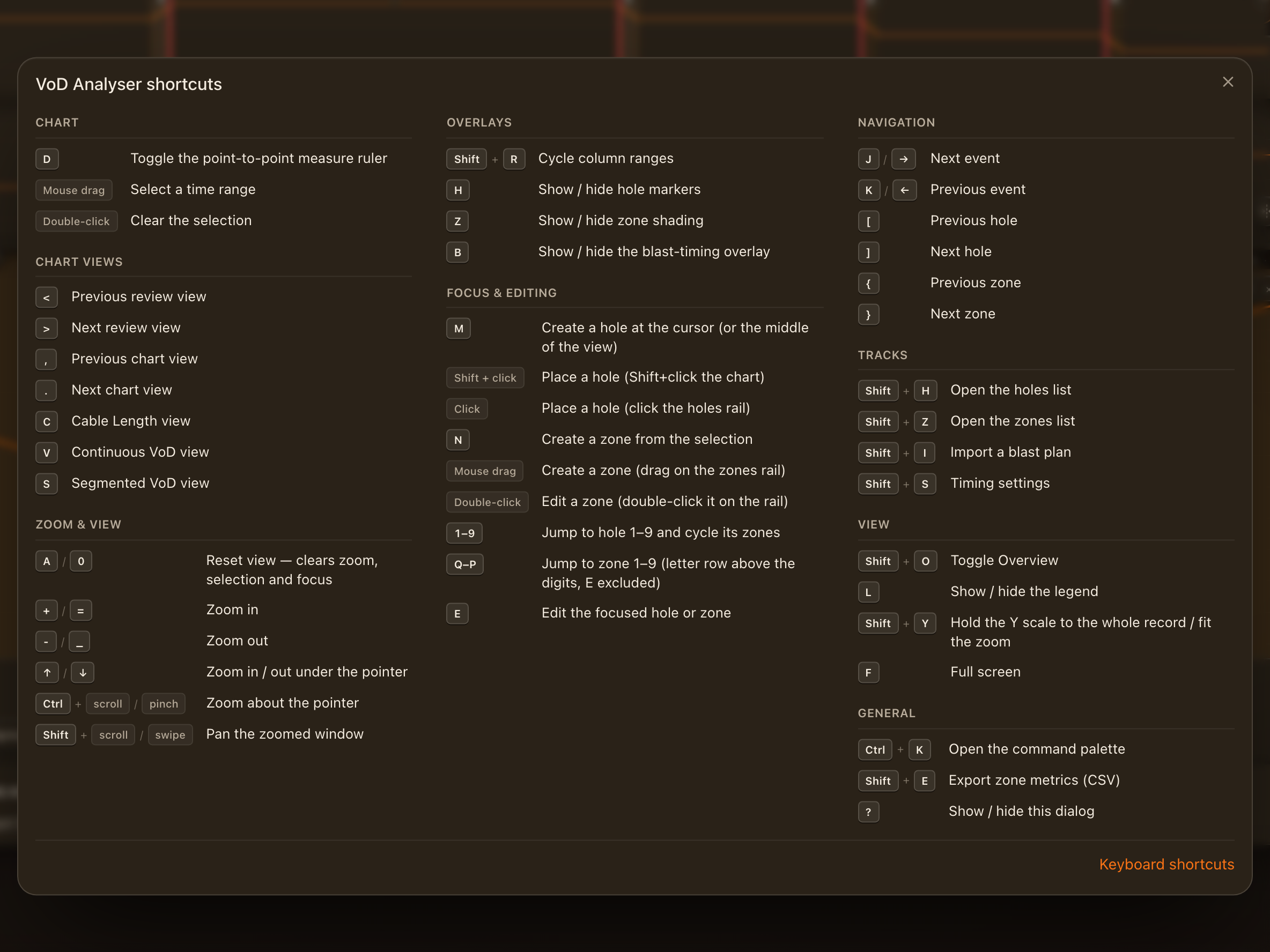
| Action | Keys |
|---|---|
| Chart | |
| Toggle the point-to-point measure ruler | D |
| Open details for the focused hole | Enter |
| Select a time range | Mouse drag |
| Clear the selection | Double-click |
| Drag to pan while zoomed | Space |
| Pan while zoomed (hold to glide) | ←/→ |
| Pan half a window | Shift+←/Shift+→ |
| Jump to the start / end of the record | Home/End |
| Chart views | |
| Cable Length view | C |
| Continuous VoD view | V |
| Segmented VoD view | S |
| Previous chart view | , |
| Next chart view | . |
| Previous review view | < |
| Next review view | > |
| Zoom & view | |
| Reset view — clears zoom, selection and focus | A/0 |
| Zoom in | +/= |
| Zoom out | -/_ |
| Zoom in / out under the pointer | ↑/↓ |
| Zoom about the pointer | scroll |
| Pan the zoomed window | scroll |
| Overlays | |
| Show / hide hole markers | H |
| Show / hide zone shading | Z |
| Show / hide the blast-timing overlay | B |
| Cycle column ranges | Shift+R |
| Focus & editing | |
| Jump to hole 1–9 and cycle its zones | 1–9 |
| Jump to zone 1–9 (letter row above the digits, E excluded) | Q–P |
| Edit the focused hole or zone | E |
| Nudge the hole or zone being edited | ←/→ |
| Larger nudge (×10 samples) | Shift+←/Shift+→ |
| Largest nudge (×50 samples) | Ctrl+←/Ctrl+→ |
| Resize the zone start edge | Alt+←/Alt+→ |
| Resize the zone end edge | Alt+Shift+←/Alt+Shift+→ |
| Create a hole at the cursor (or the middle of the view) | M |
| Place a hole (Shift+click the chart) | Shift + click |
| Place a hole (click the holes rail) | Click |
| Create a zone from the selection | N |
| Create a zone (drag on the zones rail) | Mouse drag |
| Edit a zone (double-click it on the rail) | Double-click |
| Exit measure, cancel an edit, or clear focus | Esc |
| Undo the last annotation change | Ctrl+Z |
| Redo the last annotation change | Ctrl+Shift+Z |
| Navigation | |
| Previous hole | [ |
| Next hole | ] |
| Previous zone | { |
| Next zone | } |
| Next event | J/→ |
| Previous event | K/← |
| Search events (team workspaces) | / |
| Tracks | |
| Open the holes list | Shift+H |
| Open the zones list | Shift+Z |
| Import a blast plan | Shift+I |
| Show / hide timing deltas | Shift+D |
| Timing settings | Shift+S |
| View | |
| Open the column compare | Shift+C |
| Show / hide the legend | L |
| Hold the Y scale to the whole record / fit the zoom | Shift+Y |
| Toggle Overview | Shift+O |
| Full screen | F |
| General | |
| Show / hide this dialog | ? |
| Exit measure, cancel an edit, or clear focus | Esc |
| Export zone metrics (CSV) | Shift+E |
| Open the command palette | Ctrl+K |
| Exit full screen | Esc |