
Sharing your device with support
Connect your ShotTrack ViB or VoD device over Bluetooth and share it with the ShotTrack support team for a live remote diagnosis — no software install, just a 6-digit code.
If a device is misbehaving, or a session will not sync — for example the device switched off before it finished recording — the ShotTrack support team can look at it directly. The device support page connects to your device over Bluetooth, and a one-time code you enter lets the team read it, recover the files stuck on it and change its settings for the length of the call. You do not have to pick anything: support drives the device, and every change they make is recorded in the session log. No sign-in is required.
Open the device support page
Go to app.shockai.co/diagnostics on a desktop, laptop, or Android device (Chrome or Edge recommended). The page checks your browser first — if Bluetooth connections are not supported it explains what to use instead.
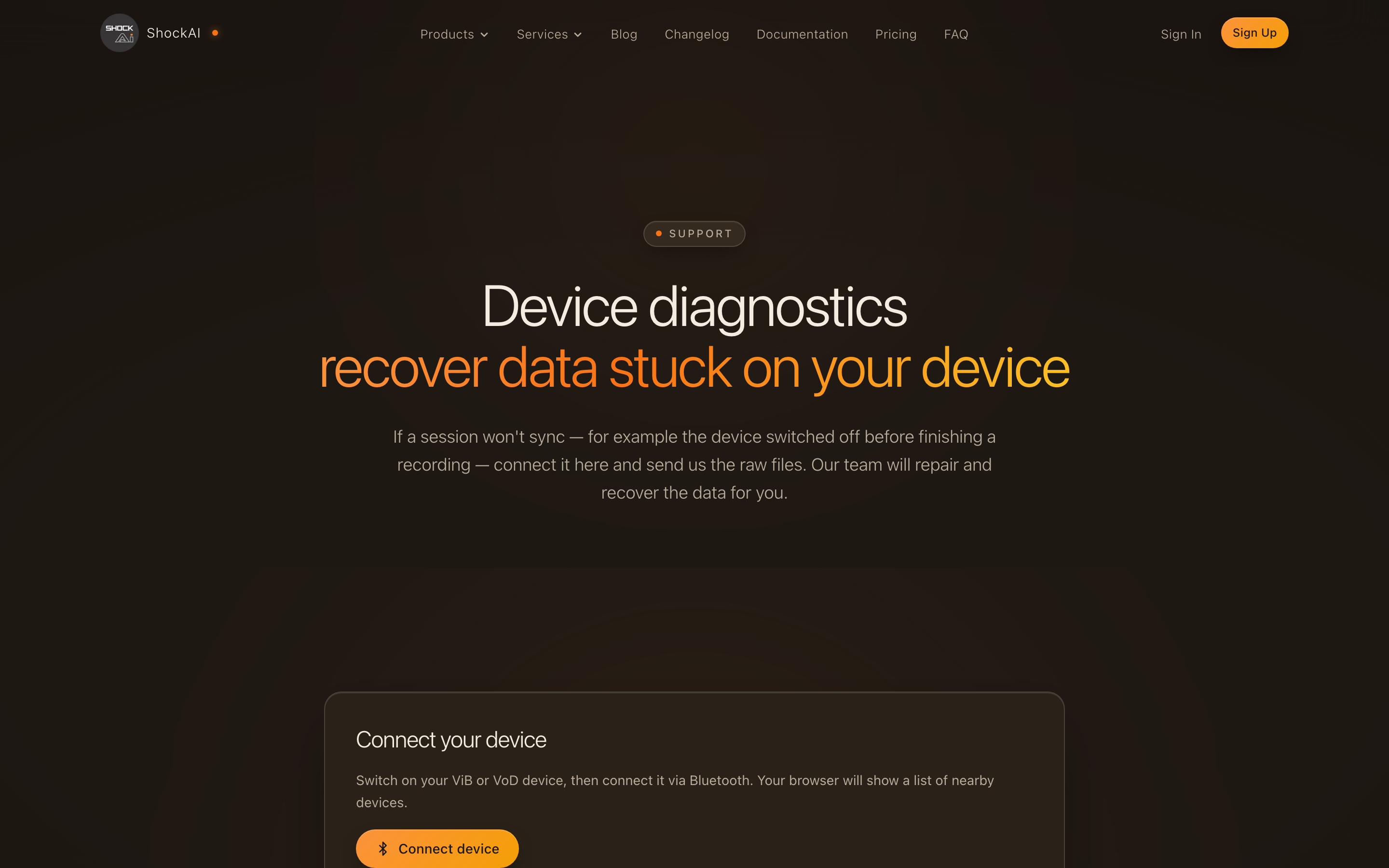
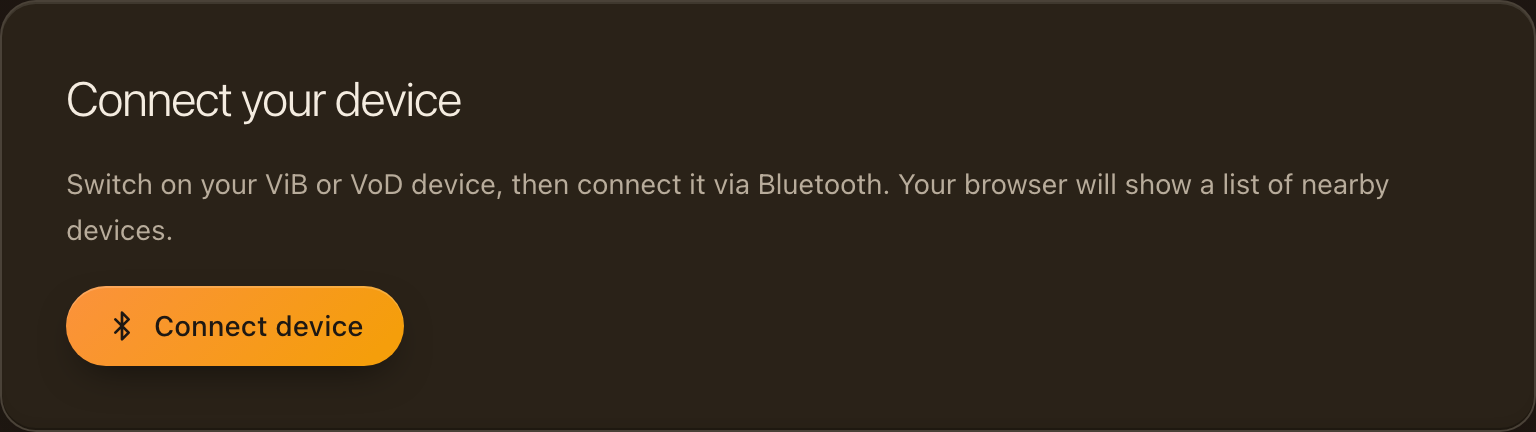
Connect your device
Switch on your ViB or VoD device and click Connect device. Your browser lists nearby ShotTrack devices — pick yours and it connects in a few seconds.
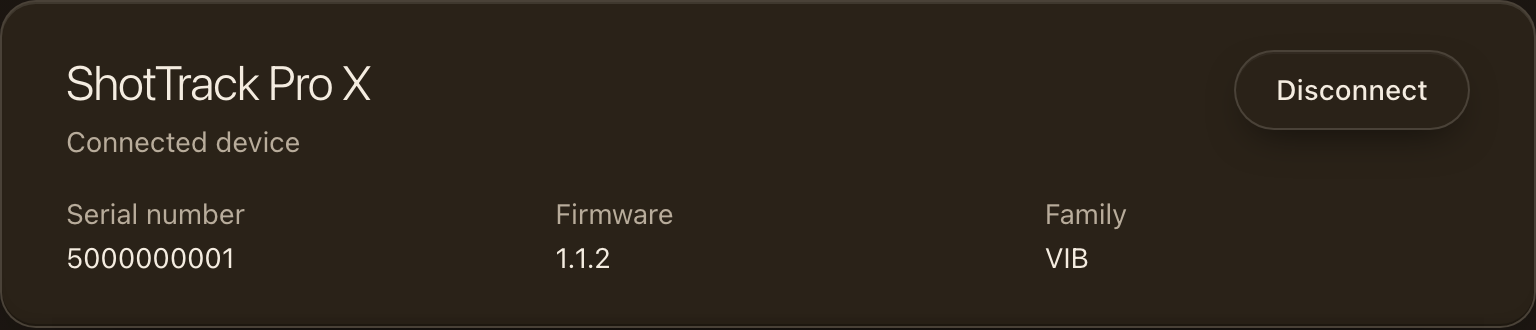
Check the connected device
Once connected, the page shows your device with its serial number, model, firmware version and battery. Confirm the serial matches the device you called about, and keep the page open — support can only reach the device while you are here.
Start the support session
While on the phone with ShotTrack support, click Start a support session and type the 6-digit code they read out to you. If they sent you a link instead, opening it fills the code in for you. From then on the team can read your device, pull its files into recovery and change its settings; every change is recorded, and you can end the session at any time.
If you are signed in and already connected to the unit in Web Sync, the same Support session card is on the unit's Support tab, so you do not have to connect it twice.
Keep the reference codes support gives you for any files they pull — quoting them lets the team find your files immediately. If the connection keeps dropping, move the device closer to your computer and connect again.