
Signing in
Sign in to ShockAI with your email and password, or request a one-time code by email.
ShockAI supports two sign-in options: your email and password, or a one-time verification code sent to your inbox. Use whichever you prefer — both land you in your team workspace.
Open the sign-in page
Go to app.shockai.co and choose Sign in. You can use your password or request a one-time code by email.
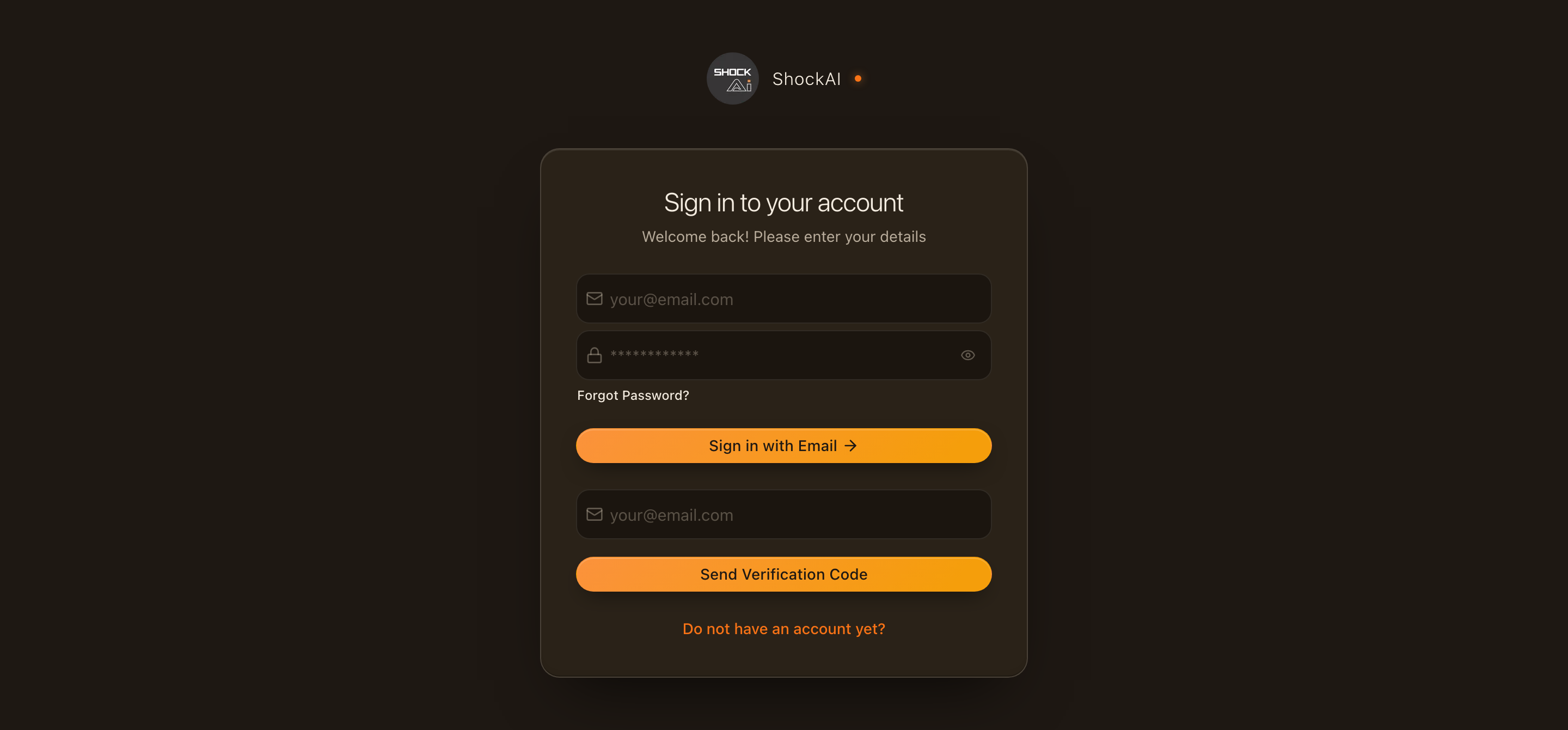
Sign in with your password
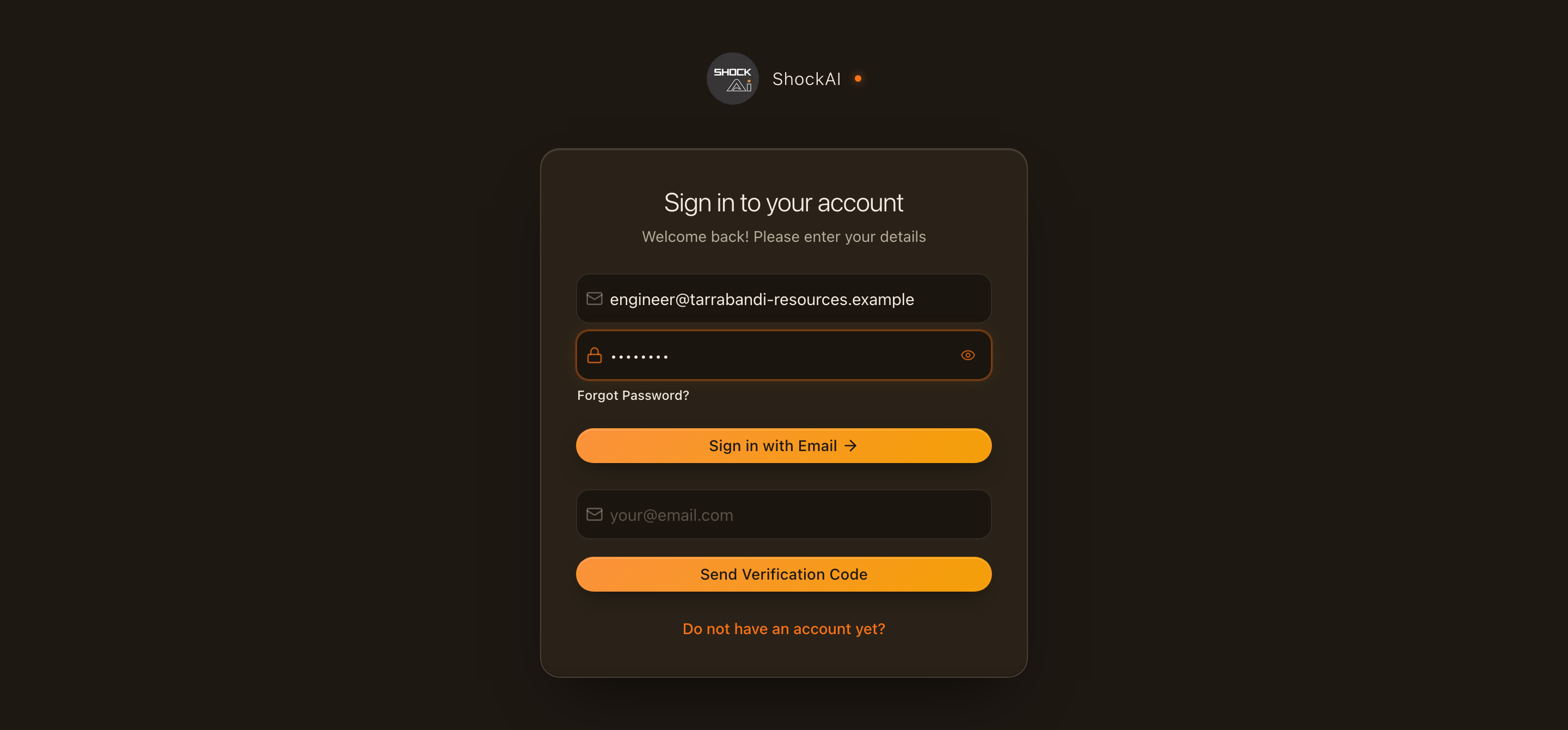
Enter your work email and password, then click Sign in with email. If you have signed in before, ShockAI may show a hint for your last method.
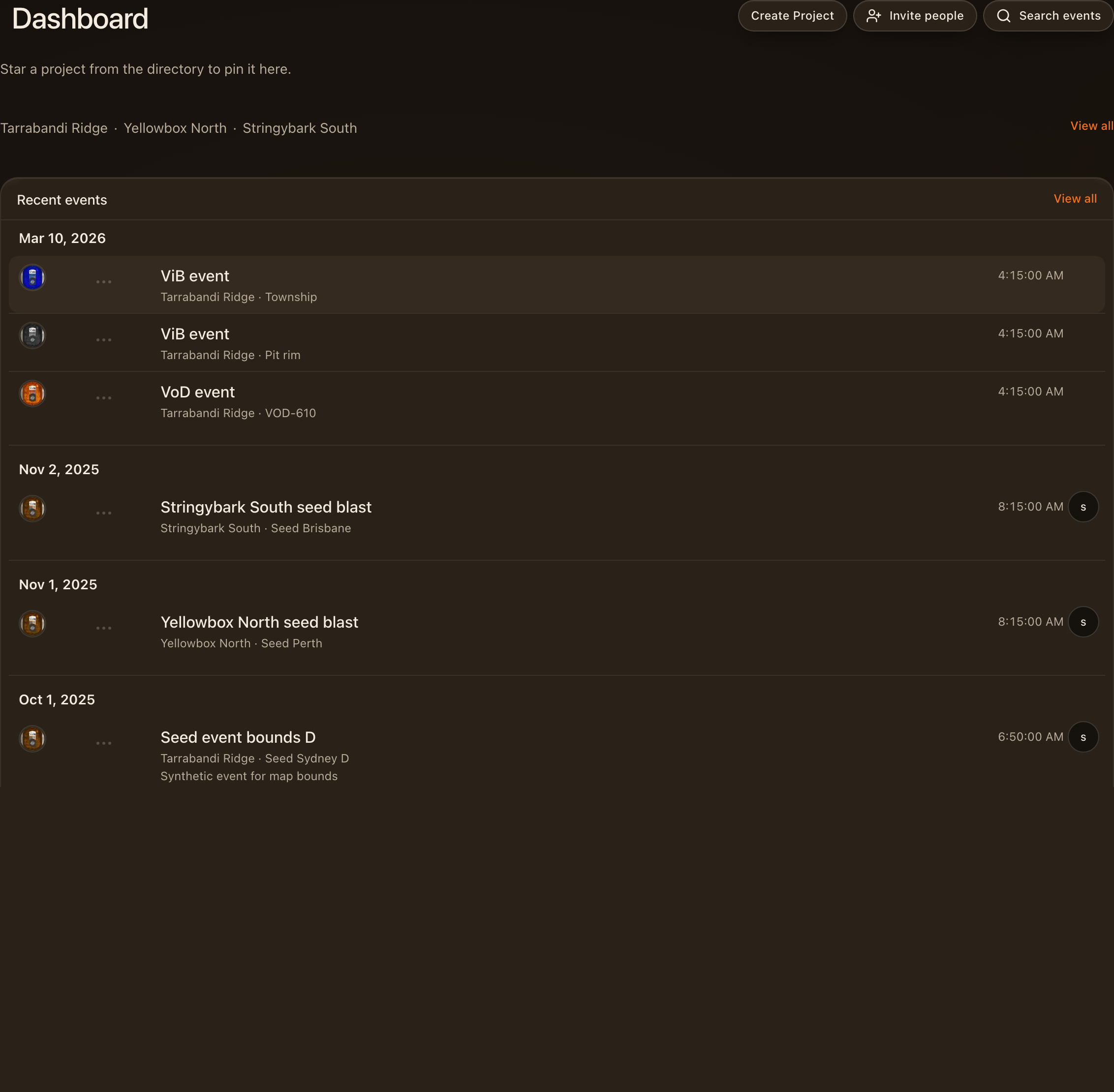
You are in your workspace
After sign-in you land in your team workspace. Open a project from the dashboard or use the header to switch teams.
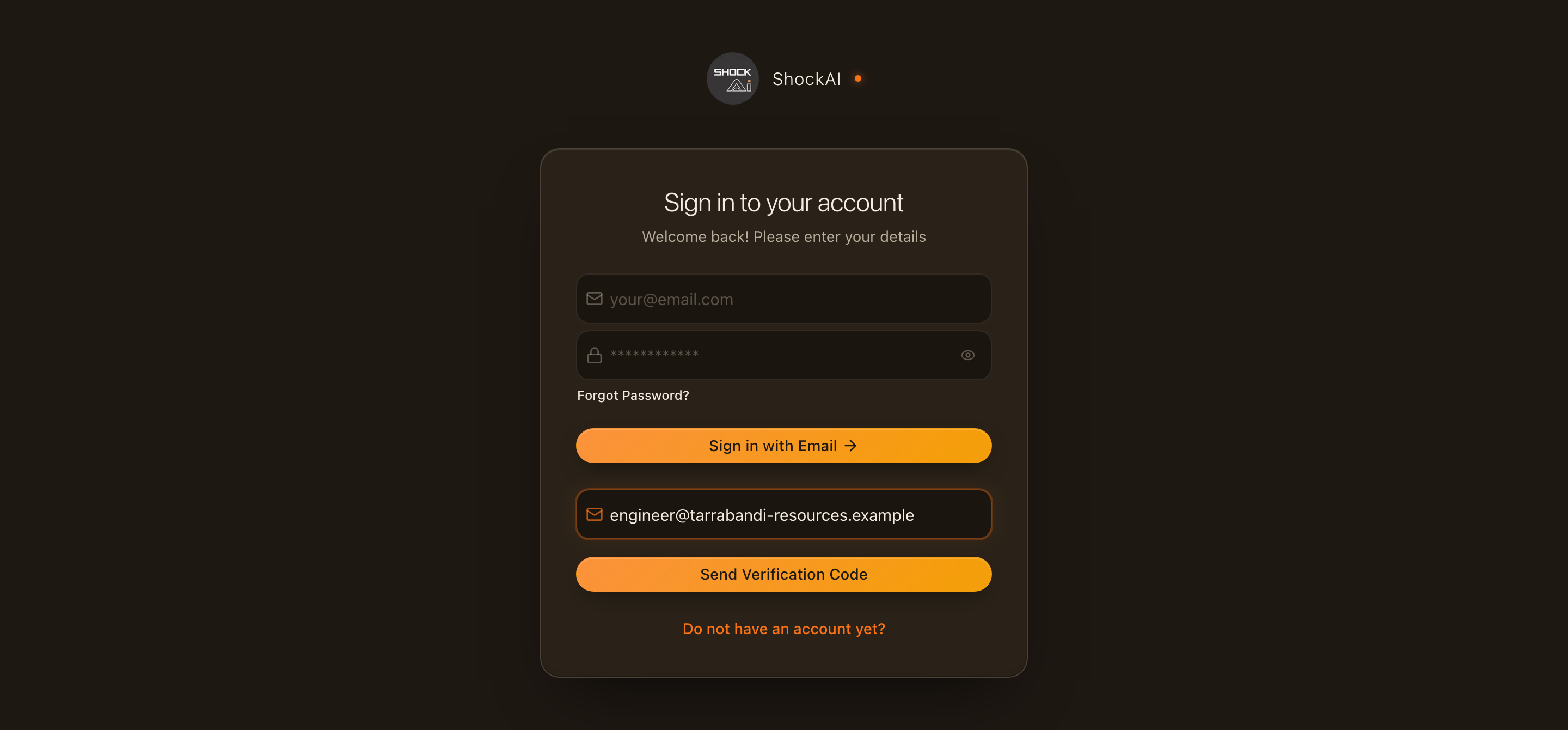
Request a one-time code
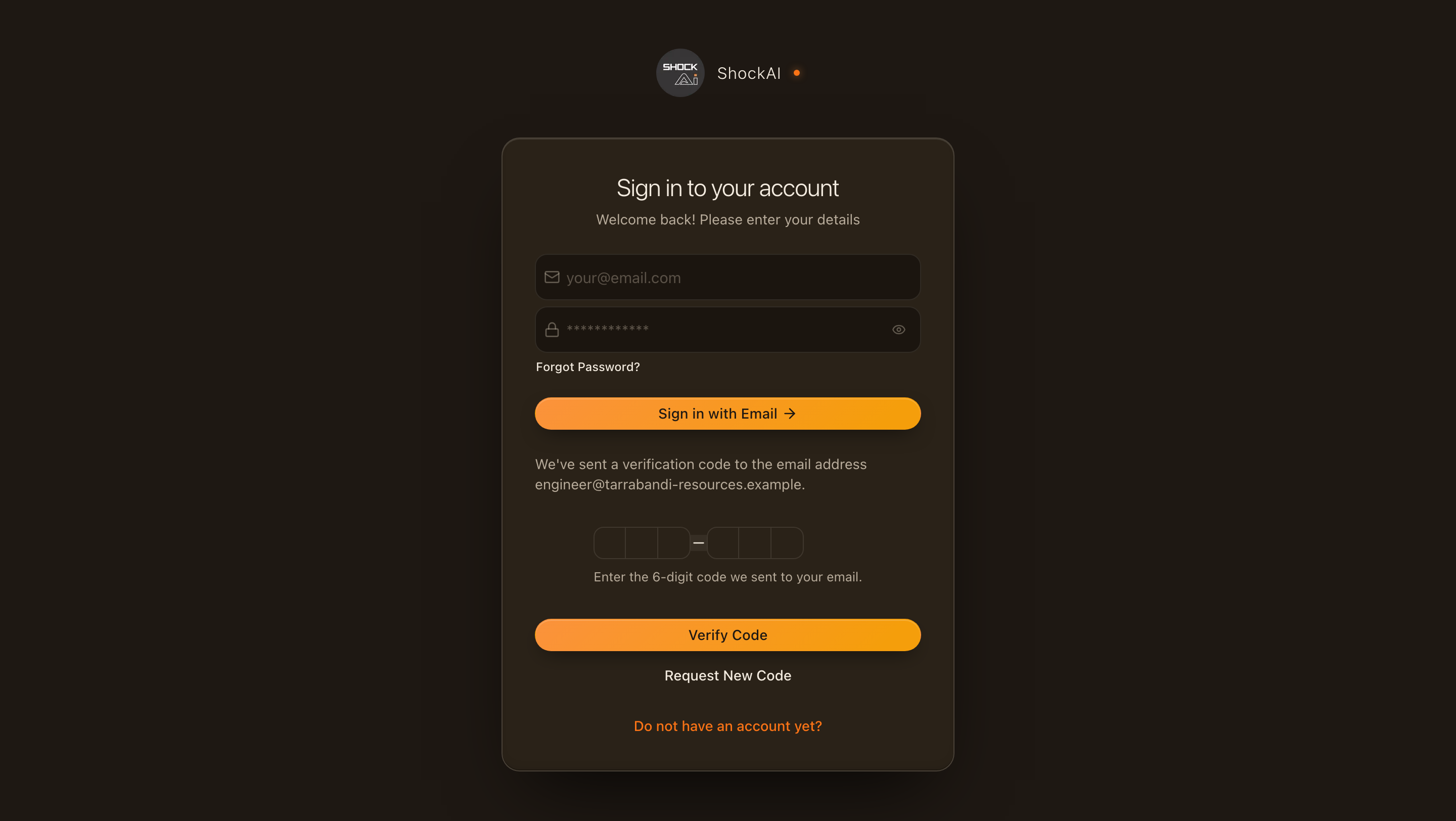
Prefer not to use a password? Enter your email in the Send verification code section and click the button. We email you a six-digit code.
Check your email
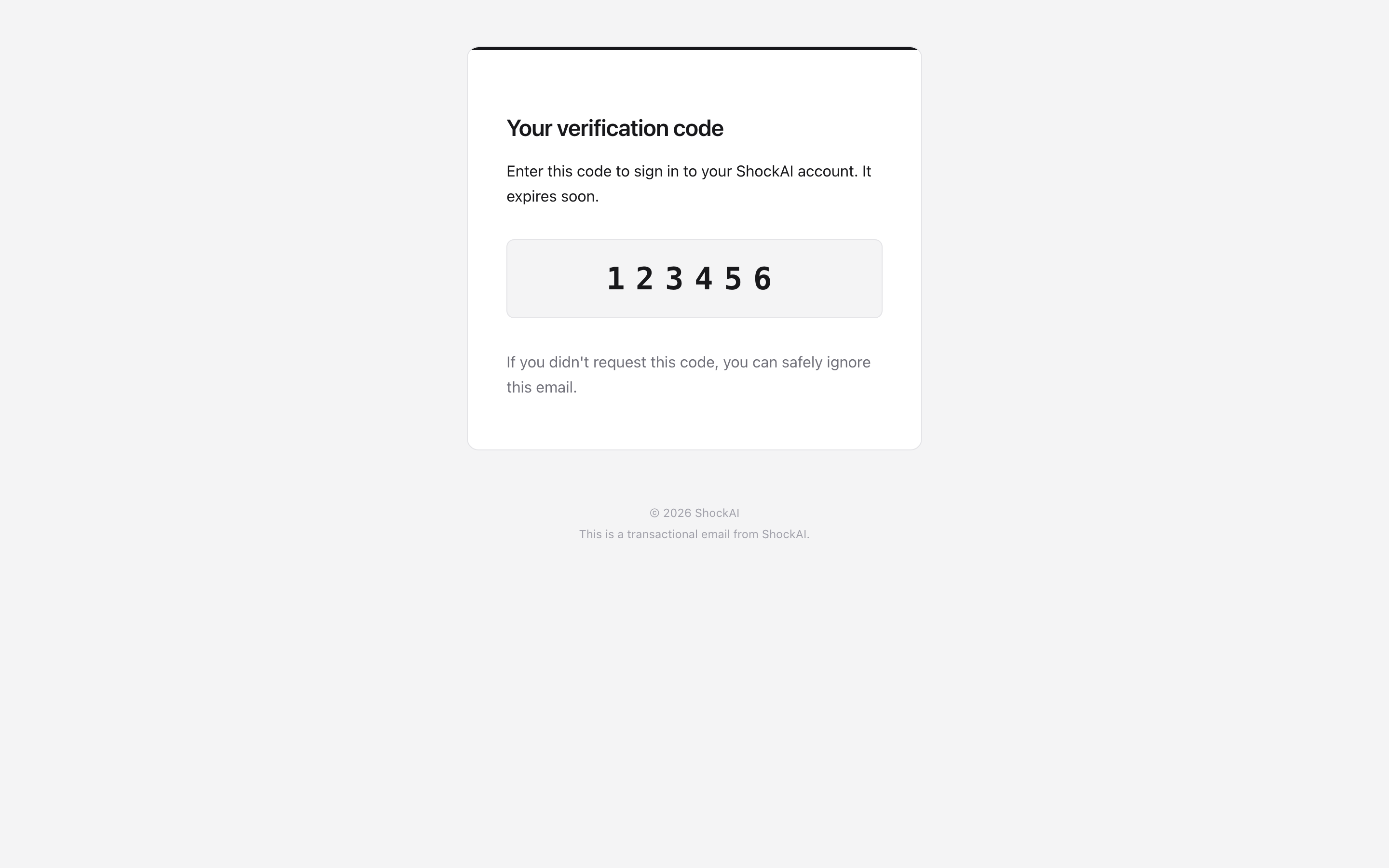
Open the email from ShockAI and copy the six-digit code. If you do not see it within a minute, check your spam folder.
Enter your code
Check your inbox for the verification email. Enter the six-digit code on this screen and click Verify code. Codes expire after a short time — use Request a new code if yours has expired.
Forgot your password? Use Forgot password? on the sign-in page to reset it. If you are stuck, contact your workspace admin or ShockAI support.