
Around the workspace
A workspace is one organisation: its home page, the projects, events and devices directories behind it, and the header switcher are the whole map.
A workspace is one organisation. Its home page, the three directories behind it and the switcher in the header are the whole map; everything else opens from one of them.
Start at home
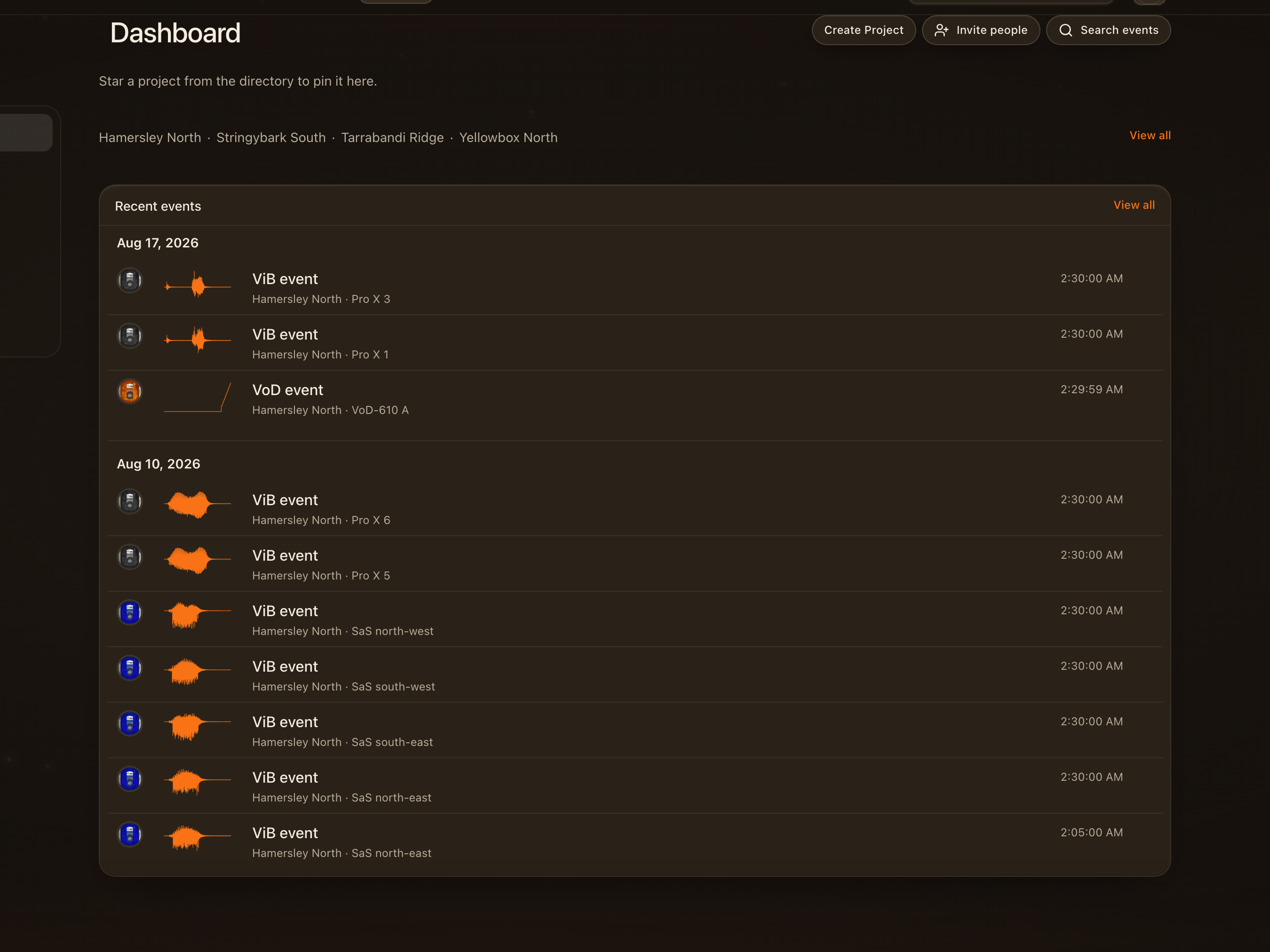
The workspace home is the page you land on after signing in: your favourite projects, the ones you opened recently, and anything waiting for you. Projects, Events, Devices and Reports sit in the header on every page.
Switch workspaces
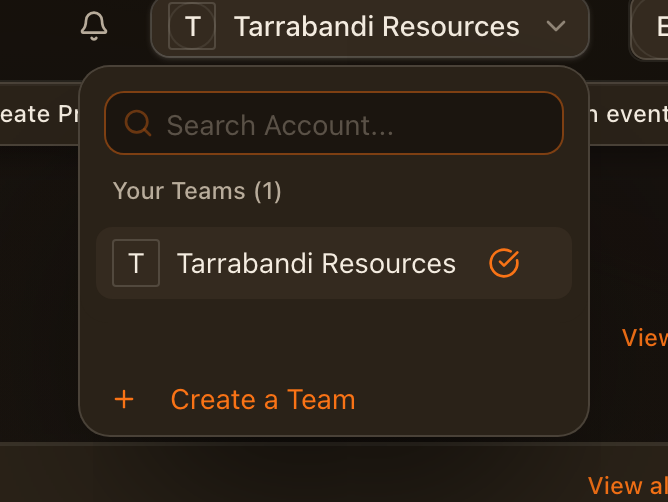
Your name in the header opens the workspace switcher. If you belong to more than one organisation, pick the one to work in here, or create a new one. Everything on the pages that follow belongs to the workspace you chose.
Find a project
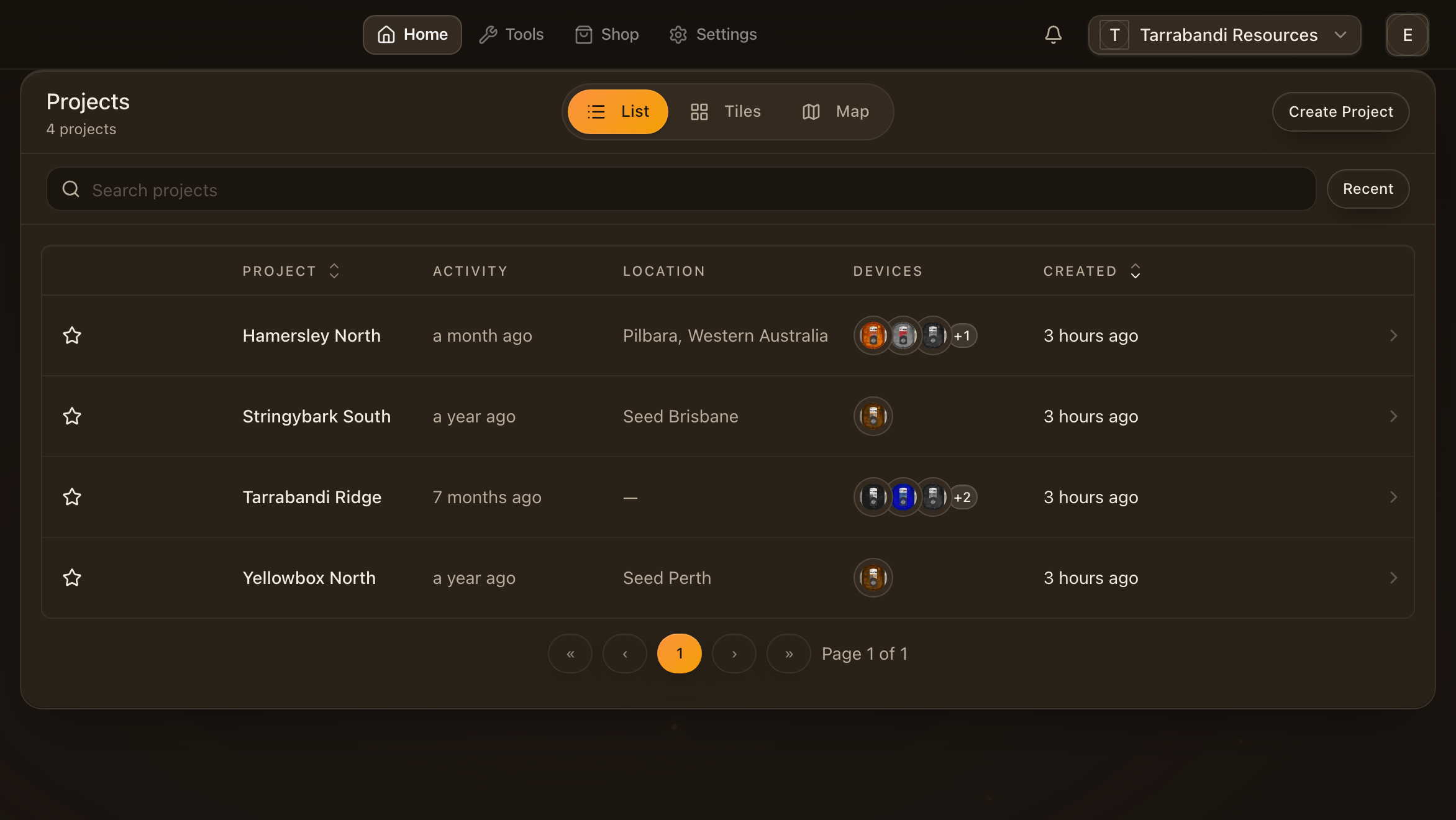
Projects lists every site and campaign in the workspace. Search by name, keep to the ones you touched recently, and open one to reach its overview.
See the projects on a map
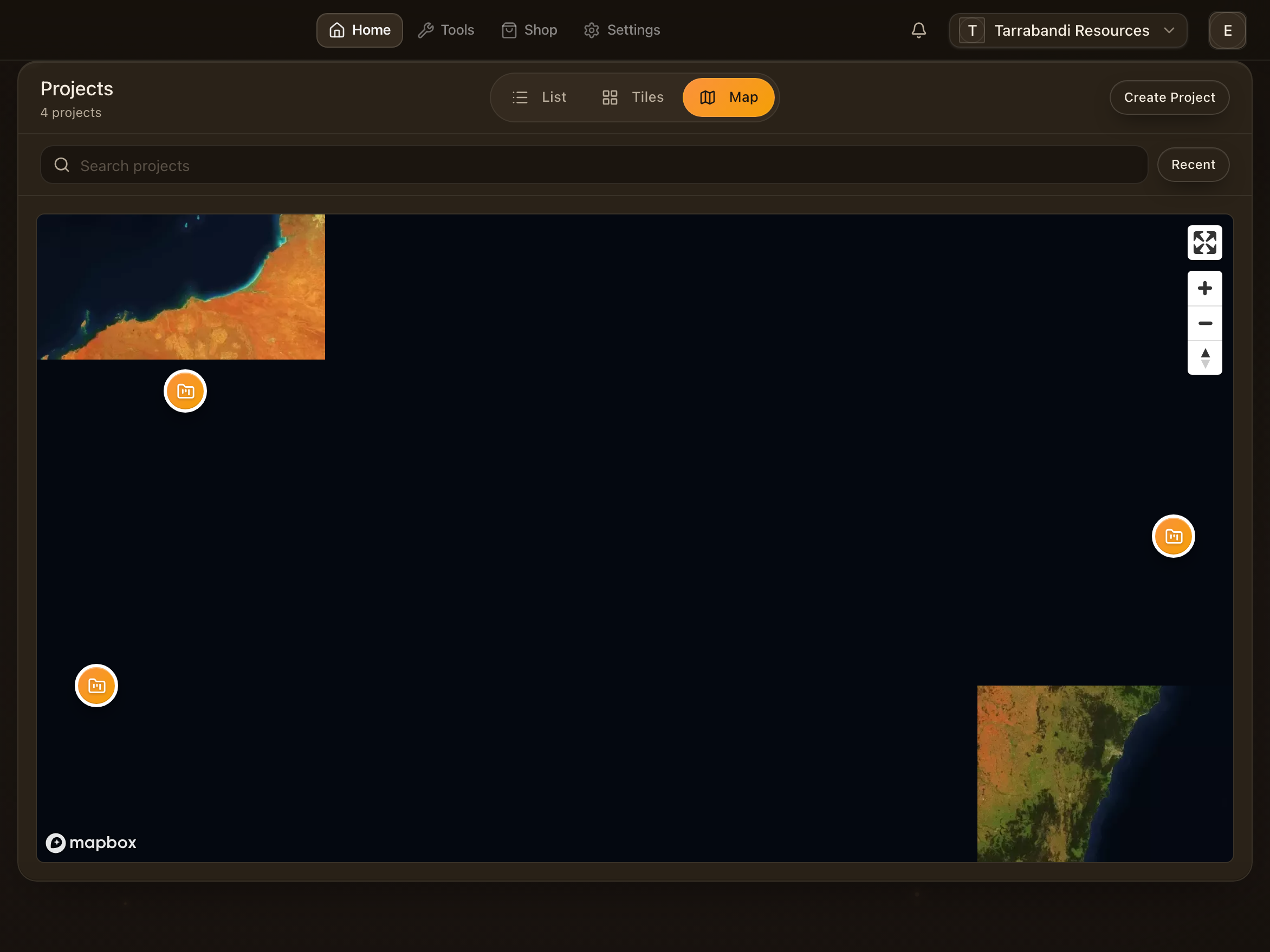
The map view places every project with a location on one map, so a fleet spread across sites is one picture. Click a pin to open the project.
Browse every recording
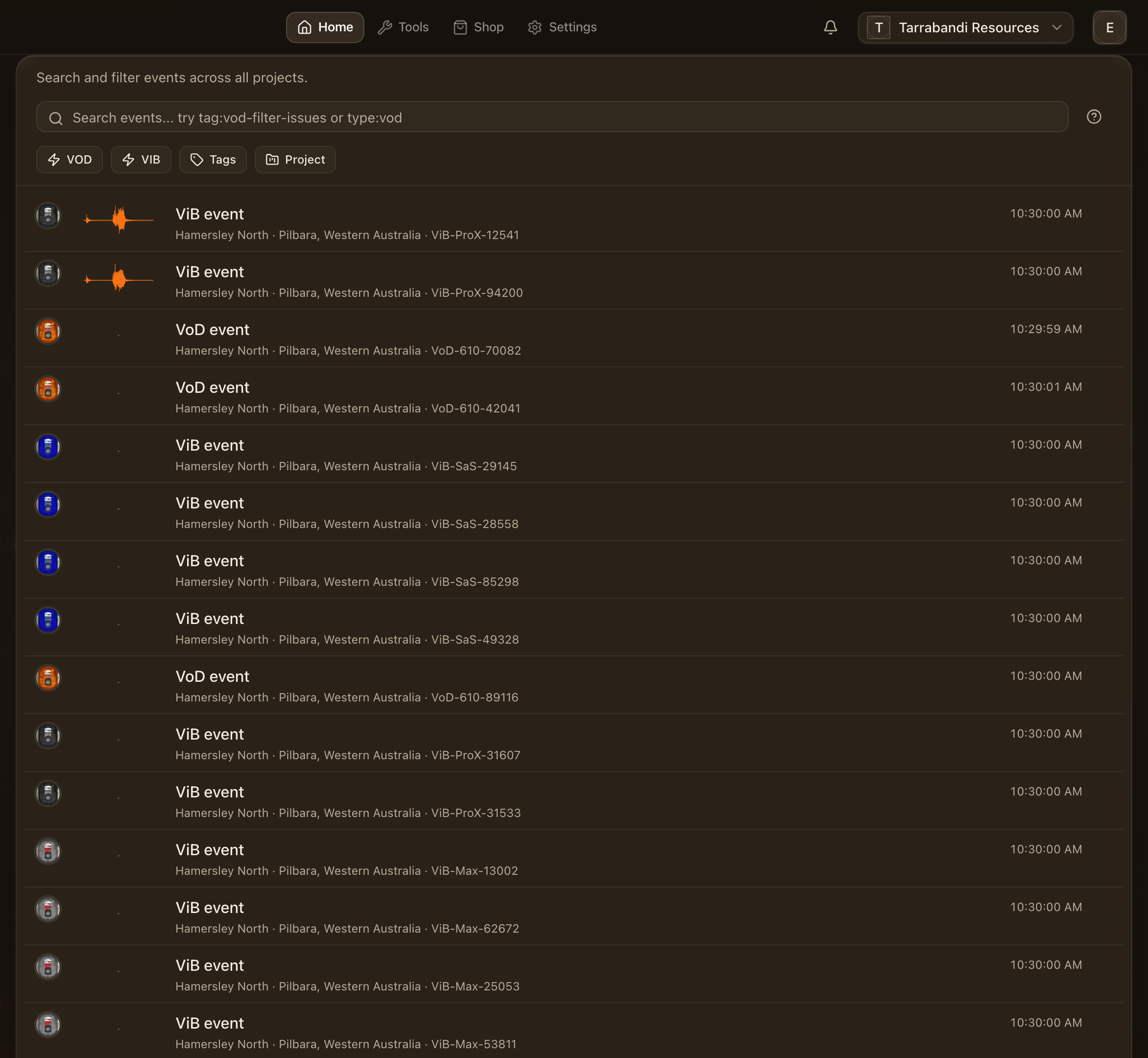
Events is every recording in the workspace across all projects, newest first, with the unit that made it and the blast it belongs to. Open one straight into its analyser.
Search the events
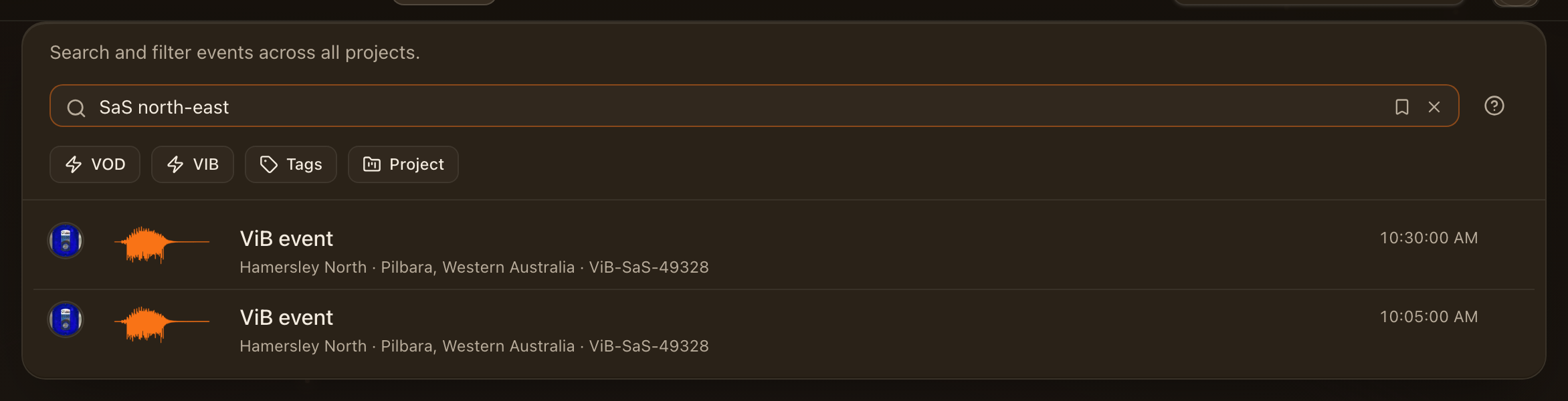
The search box narrows the list by unit, name, tag or kind. Type a unit's nickname to see everything it recorded, or type:vod for one kind of recording. Save a search you keep coming back to; it appears as a chip above the list.
Find a unit
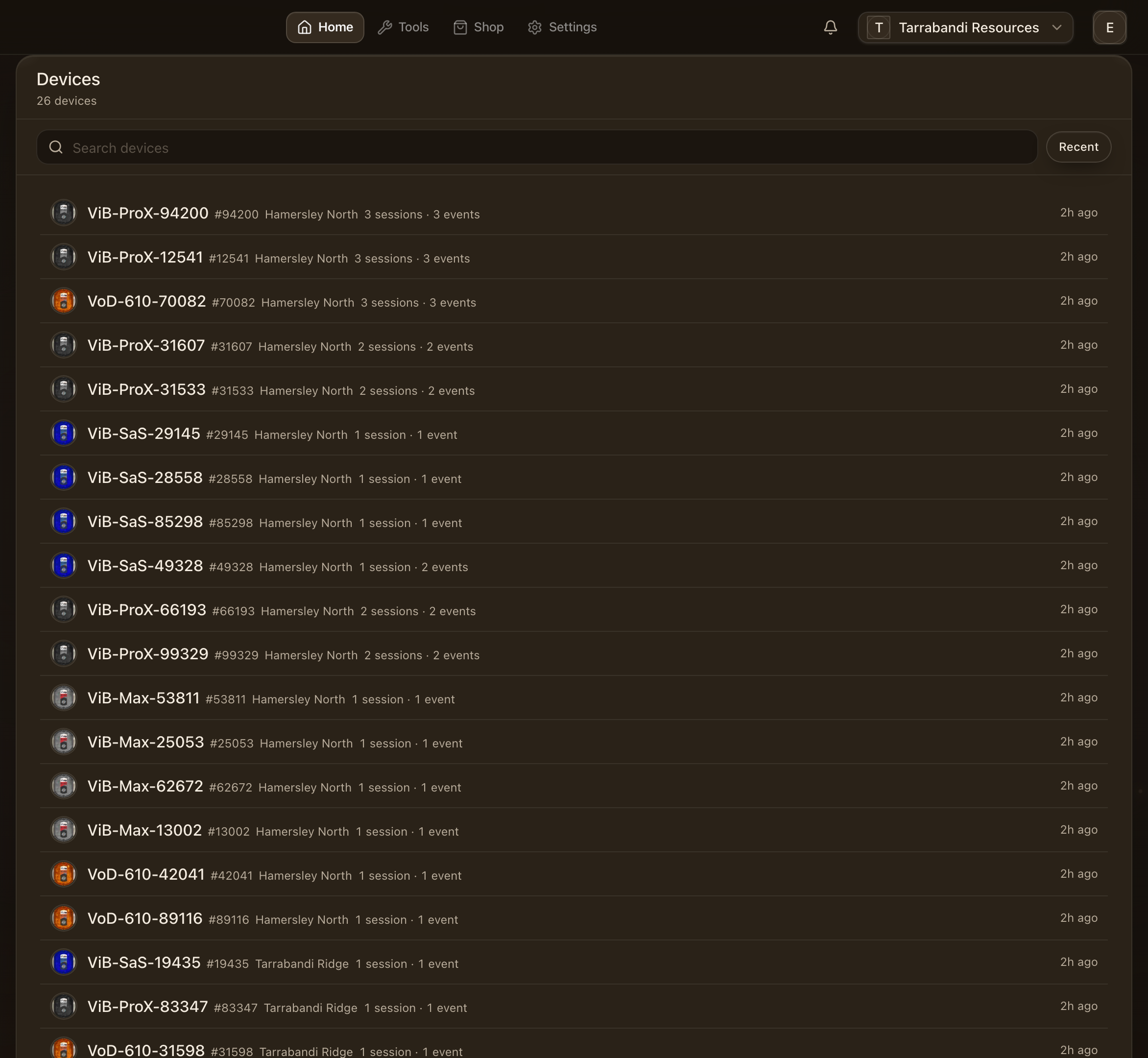
Devices lists every unit the workspace has seen, with when it last reported and which project it is deployed to. Search by serial or nickname.
Open a unit
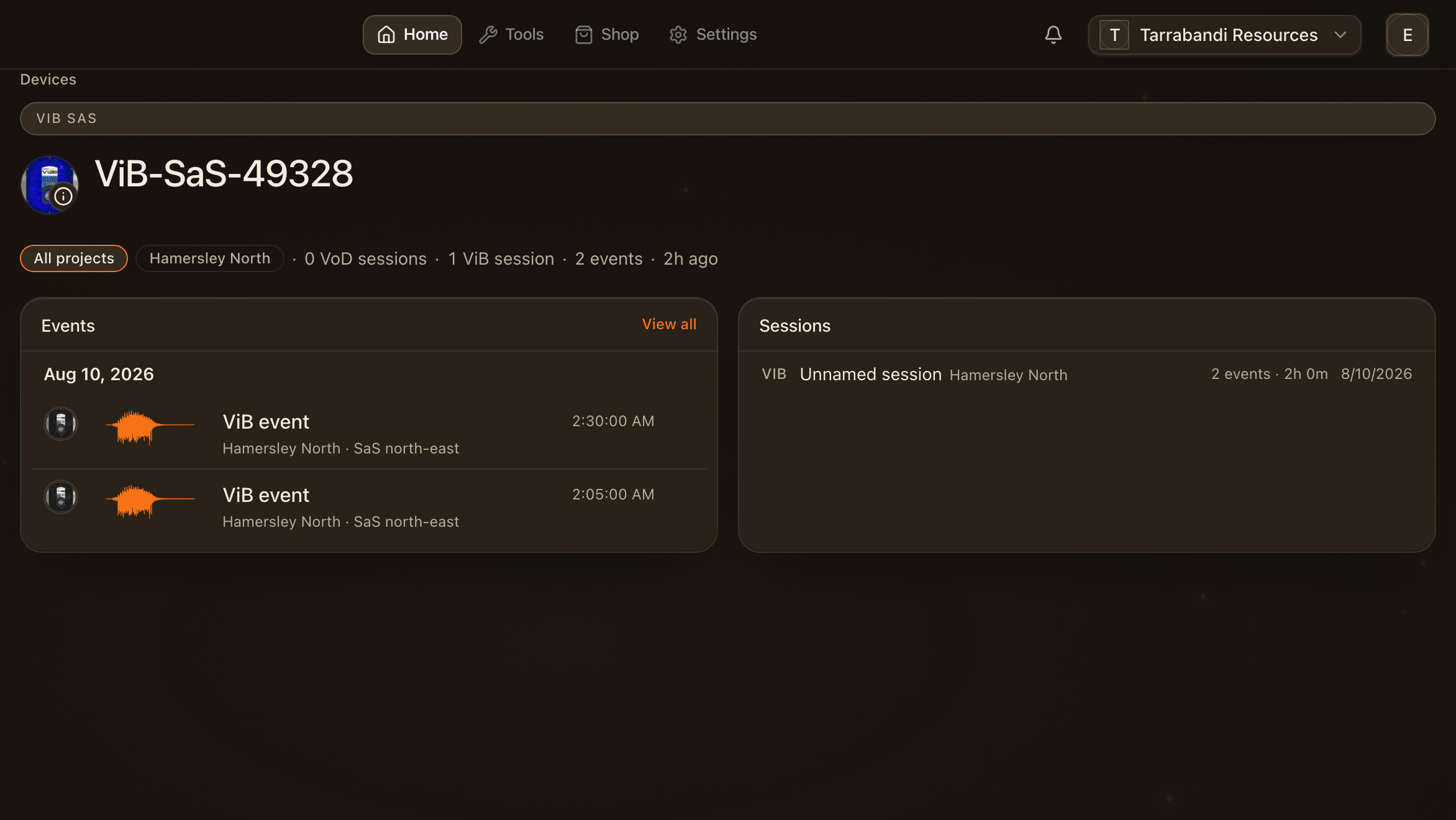
A unit's page is its history: the pulse of what it recorded, its firmware and battery, and its sessions. The scope picker at the top changes which project or session the page reads from.
Read the sessions
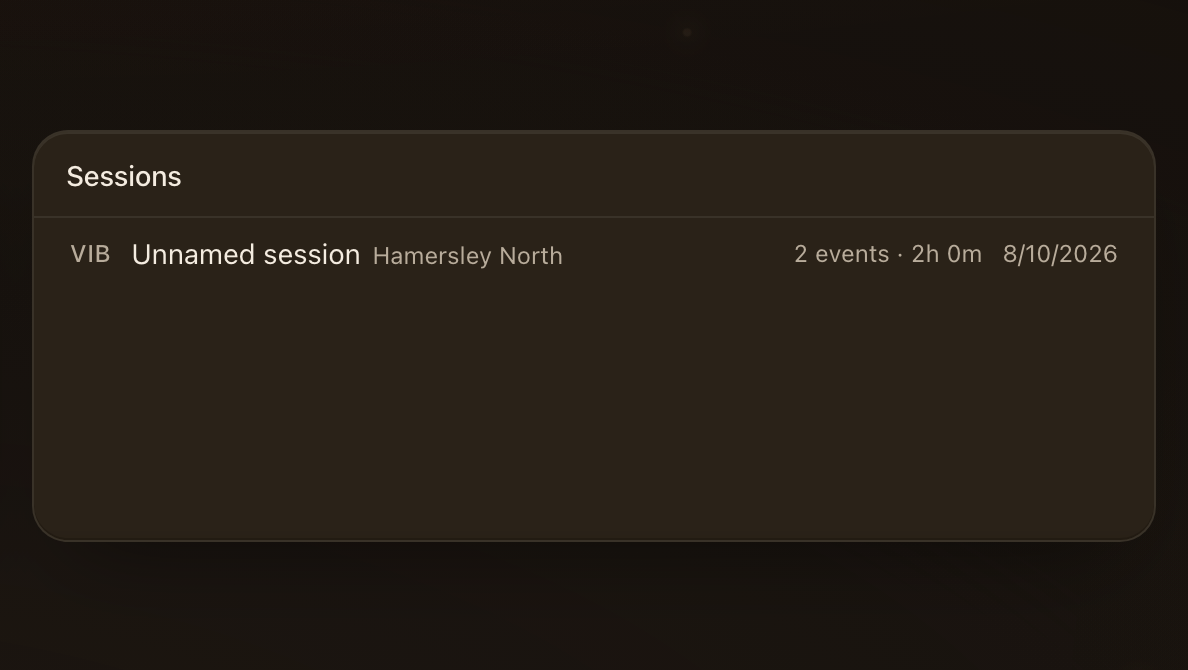
Each session is one deployment of the unit. Pick one to scope the page to it, and open its events from there. What a session is, and how events sit inside it, is on Projects, sessions and events.
Where to go next
- Project overview — the page a project opens on.
- Sending recordings — getting data from a unit into a project.
- ViB Analyser and VoD Analyser — reading the recordings.