
Blast reports
One PDF per version: a preliminary rendered on its own, then an issued report with a number, a narrative and a distribution. Every version keeps its own file.
A blast report is one PDF per version. The platform renders a preliminary on its own once the expected monitors are in, or the grace period ends. When the shot is signed off you issue it: the version takes a report number, carries your narrative and its distribution, and can be shared by link. Every version keeps its own file, so what a reader was sent never changes under them.
The report panel
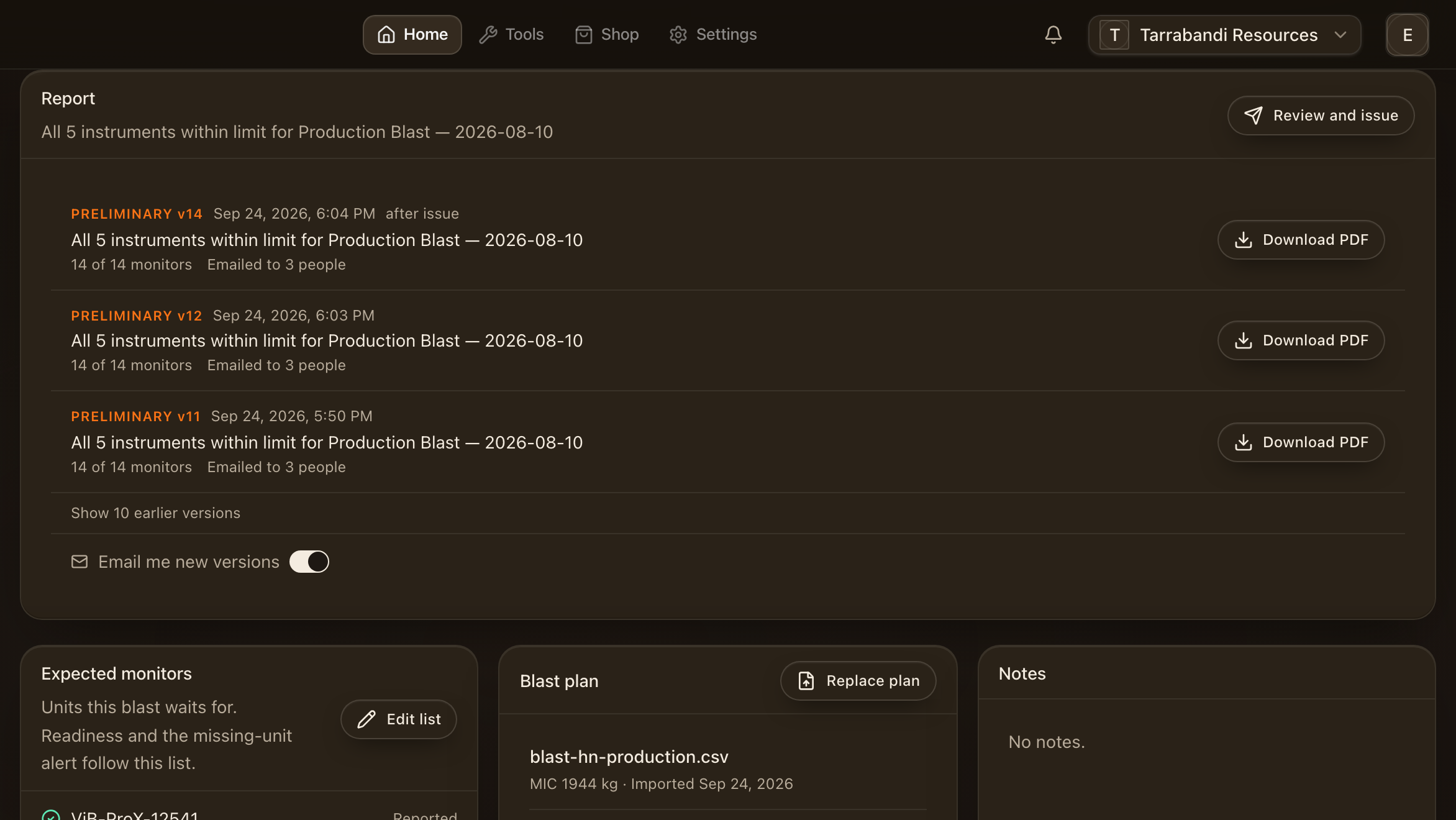
The Report panel on a blast lists every version rendered for it, newest first, with what each was made from: which events counted, which monitors were missing, and where it went. Email me subscribes you to the project's reports.
Download the PDF
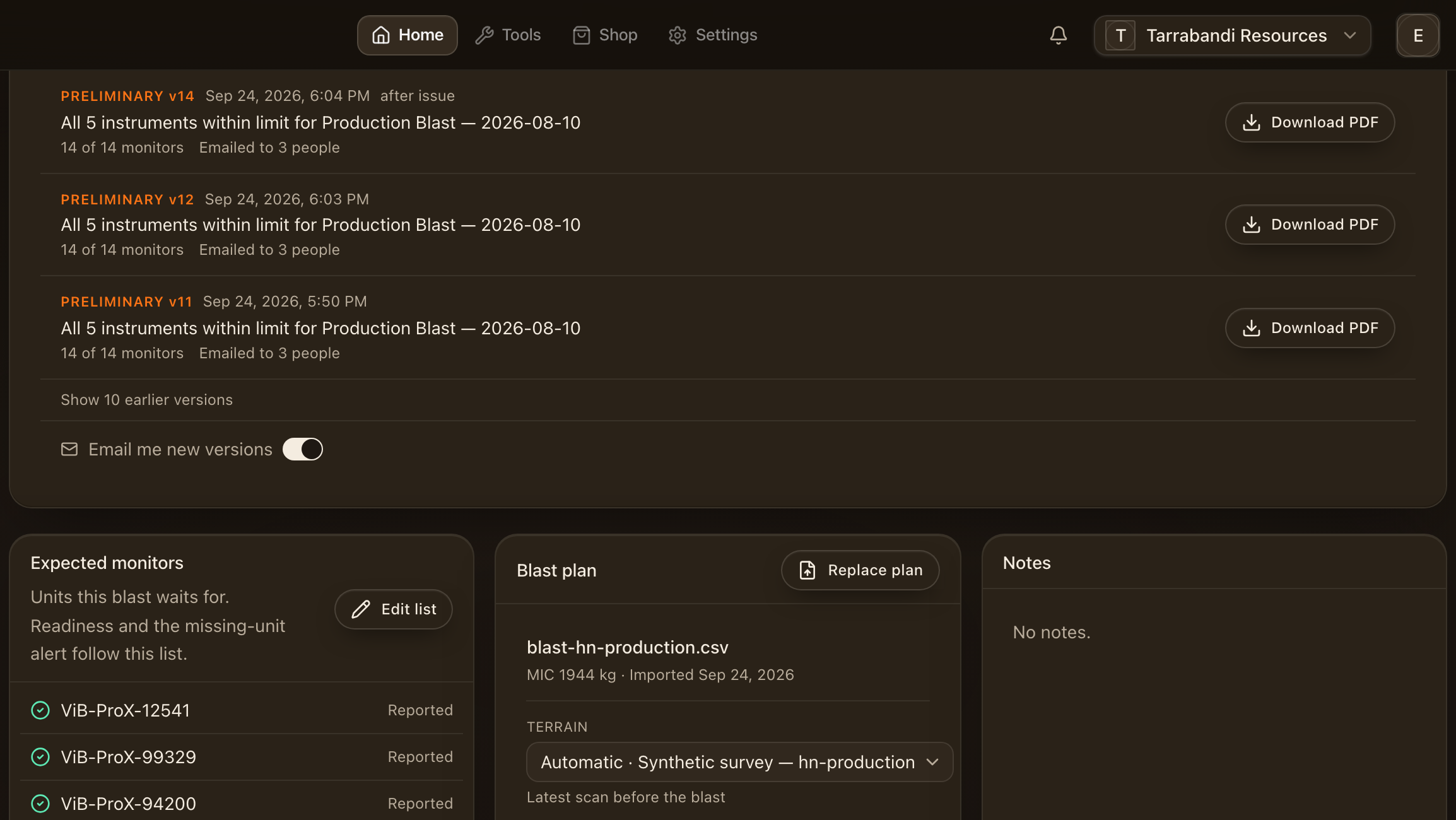
Download gives you the PDF exactly as rendered for that version.
What the report prints
The minimum report is built in and needs no template: a cover, a results page, and one page per monitor. The pages below are rendered from sample data.
The cover
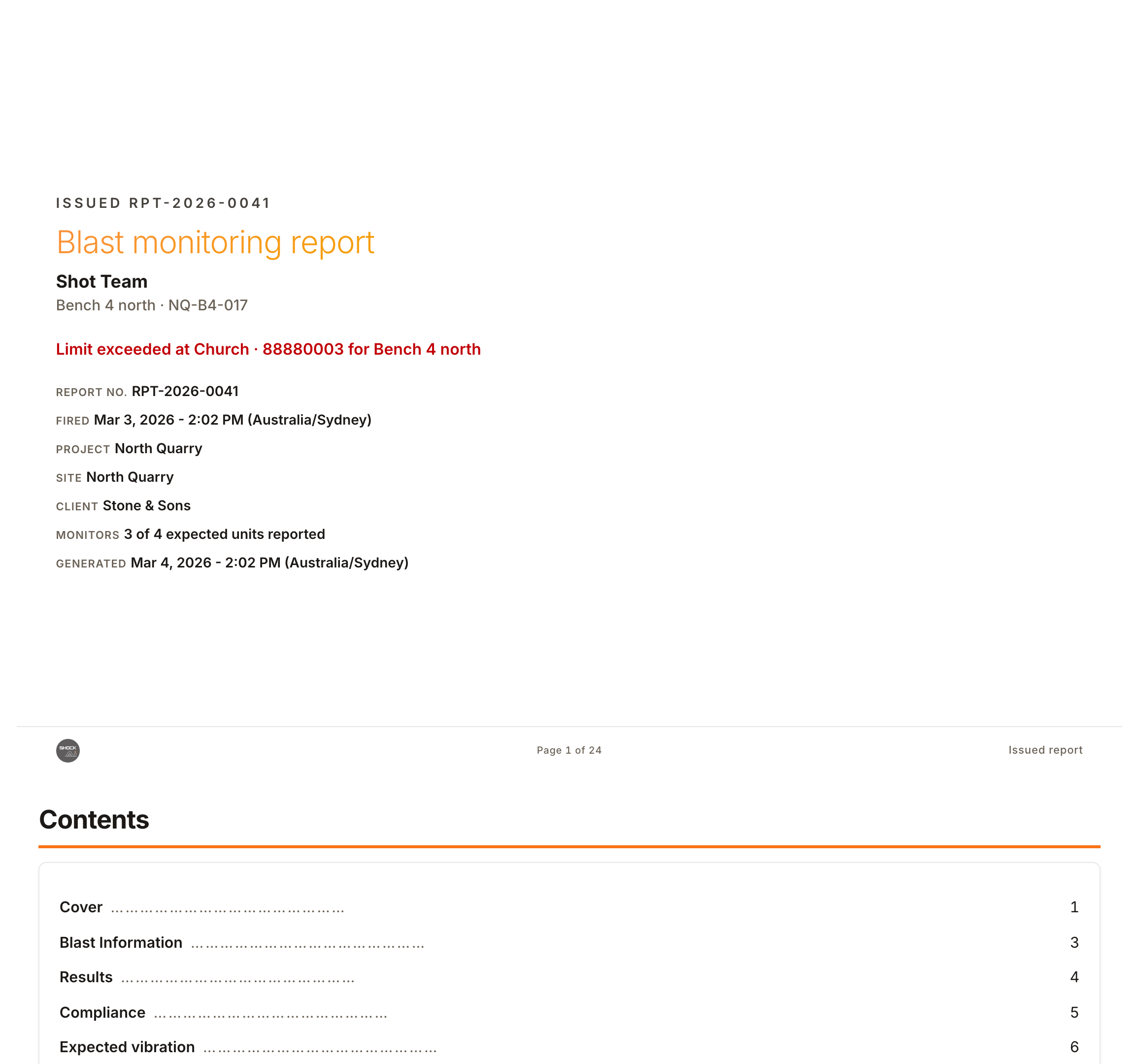
The cover carries the blast, the project, the report number and revision, the date, and who the report is addressed to.
The results page
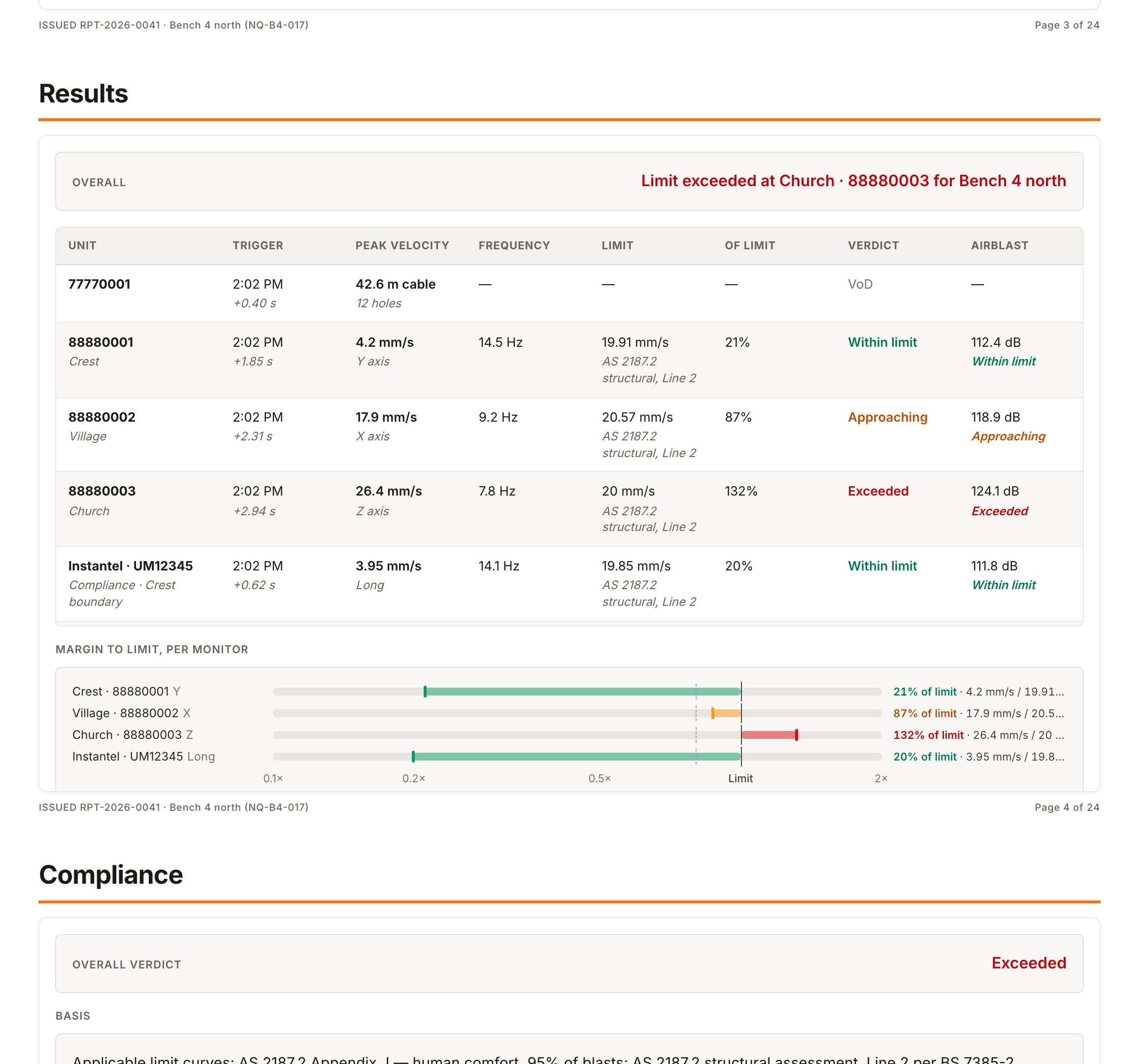
Results is one row per monitor: peak velocity, frequency, airblast and the verdict against the applicable limit, under the headline verdict for the blast. The verdicts are the same ones scored on the blast page; see Compliance and standards.
One page per monitor
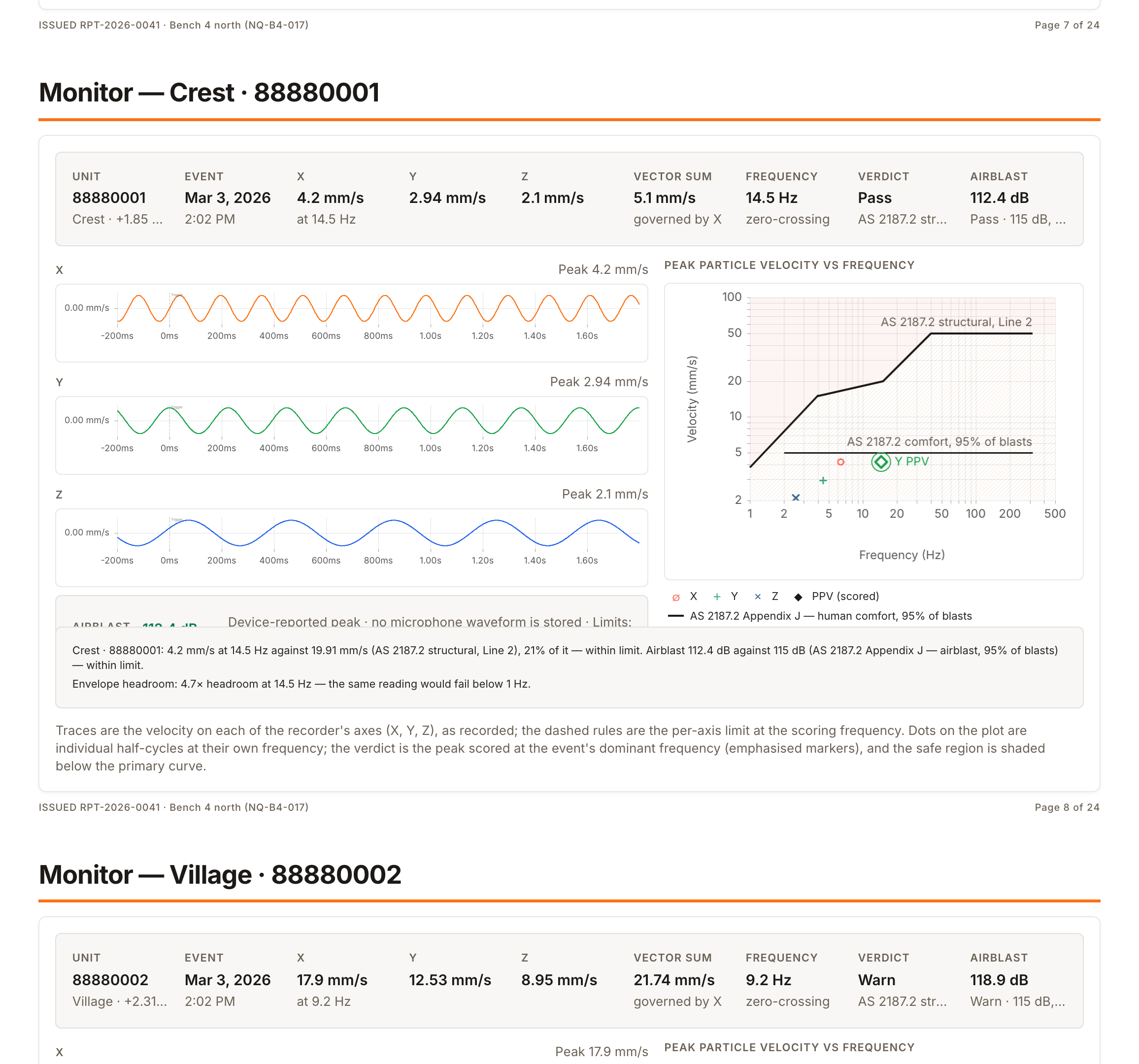
Each monitor gets a page: the verdict with its inputs, the three traces against the limit, and the peak-against-frequency plot.
Issuing a report
Issue opens a five-step walk. Nothing is rendered until the last step, and the narrative is saved as you go.
Review
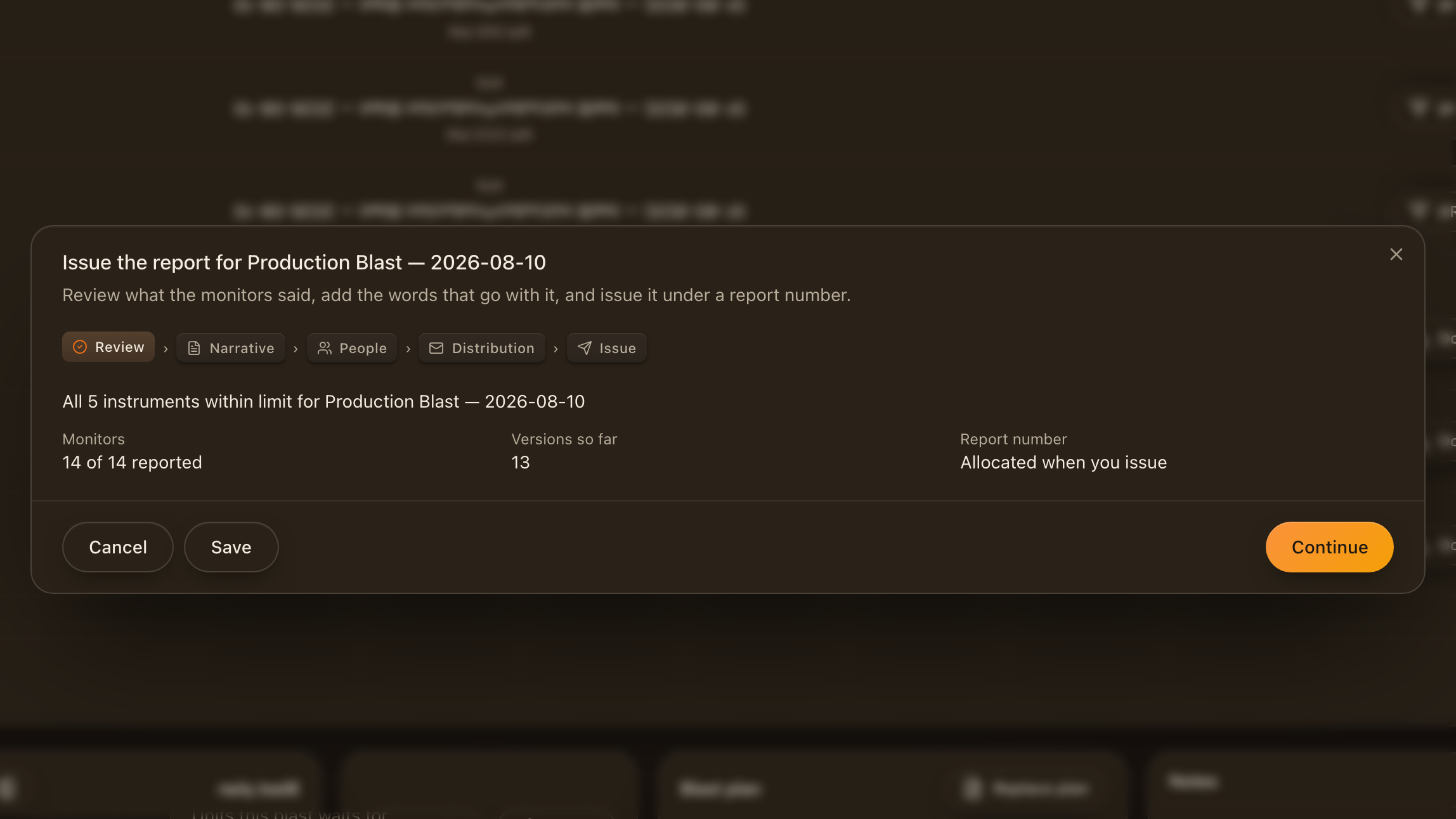
The first screen is the review: which events count, which monitors were expected, and what the verdicts are. A missing monitor is named here, so the gap is a decision rather than a surprise on the cover.
Narrative
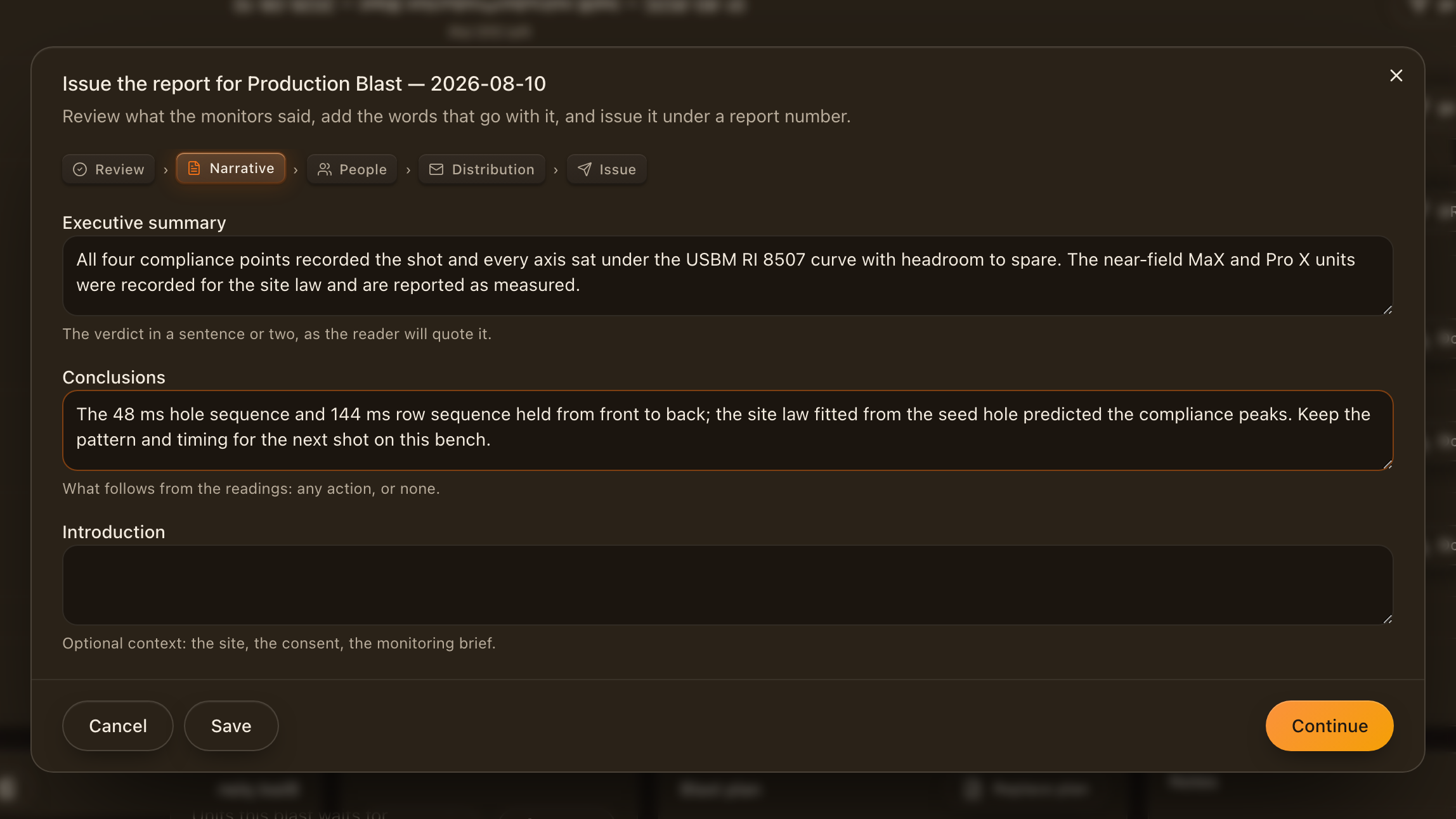
The narrative screen takes the executive summary, the introduction and the conclusions. They print with the report and are kept with the version.
People
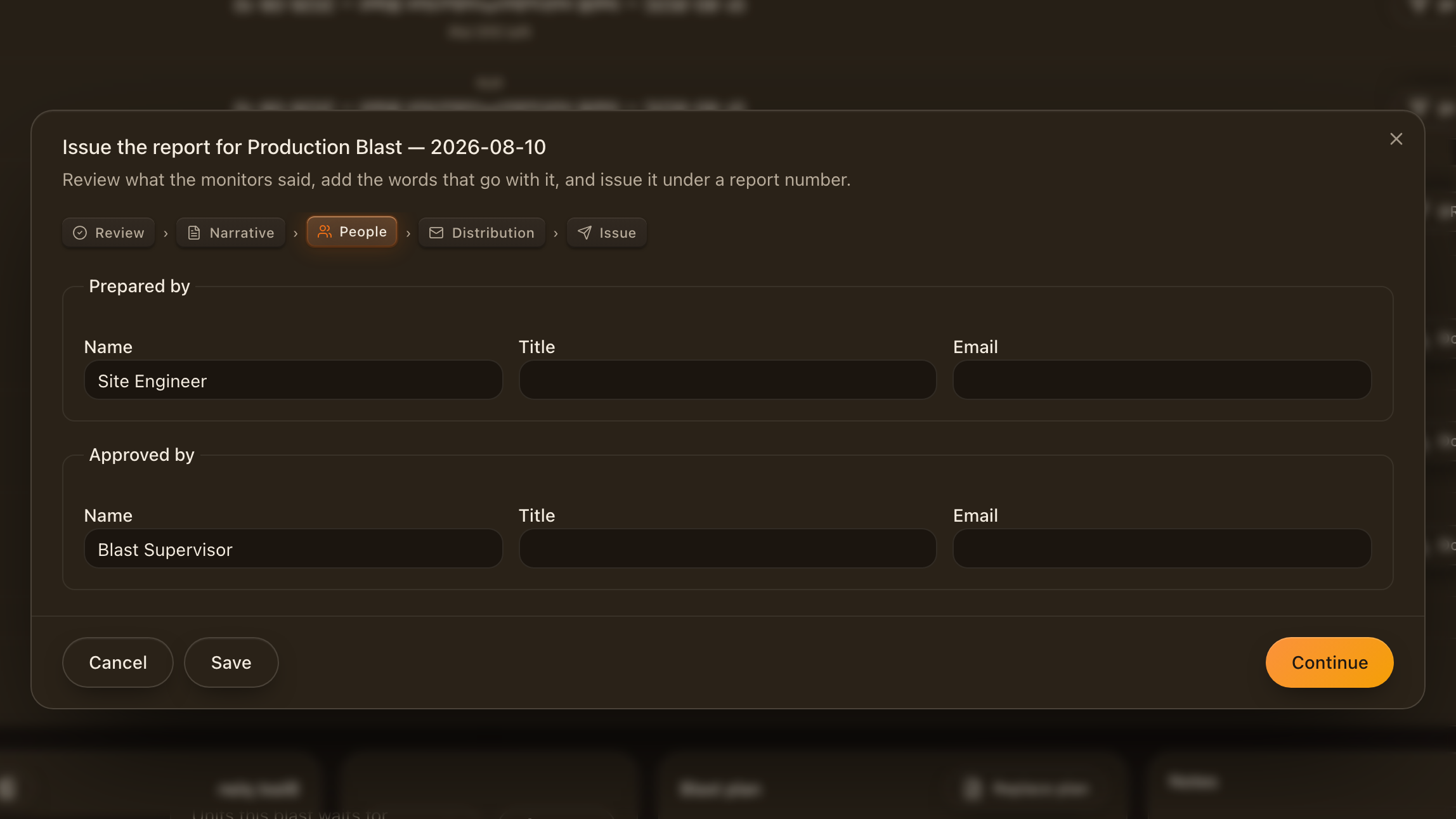
People names the author and the person who approved the report; both print with the sign-off.
Distribution
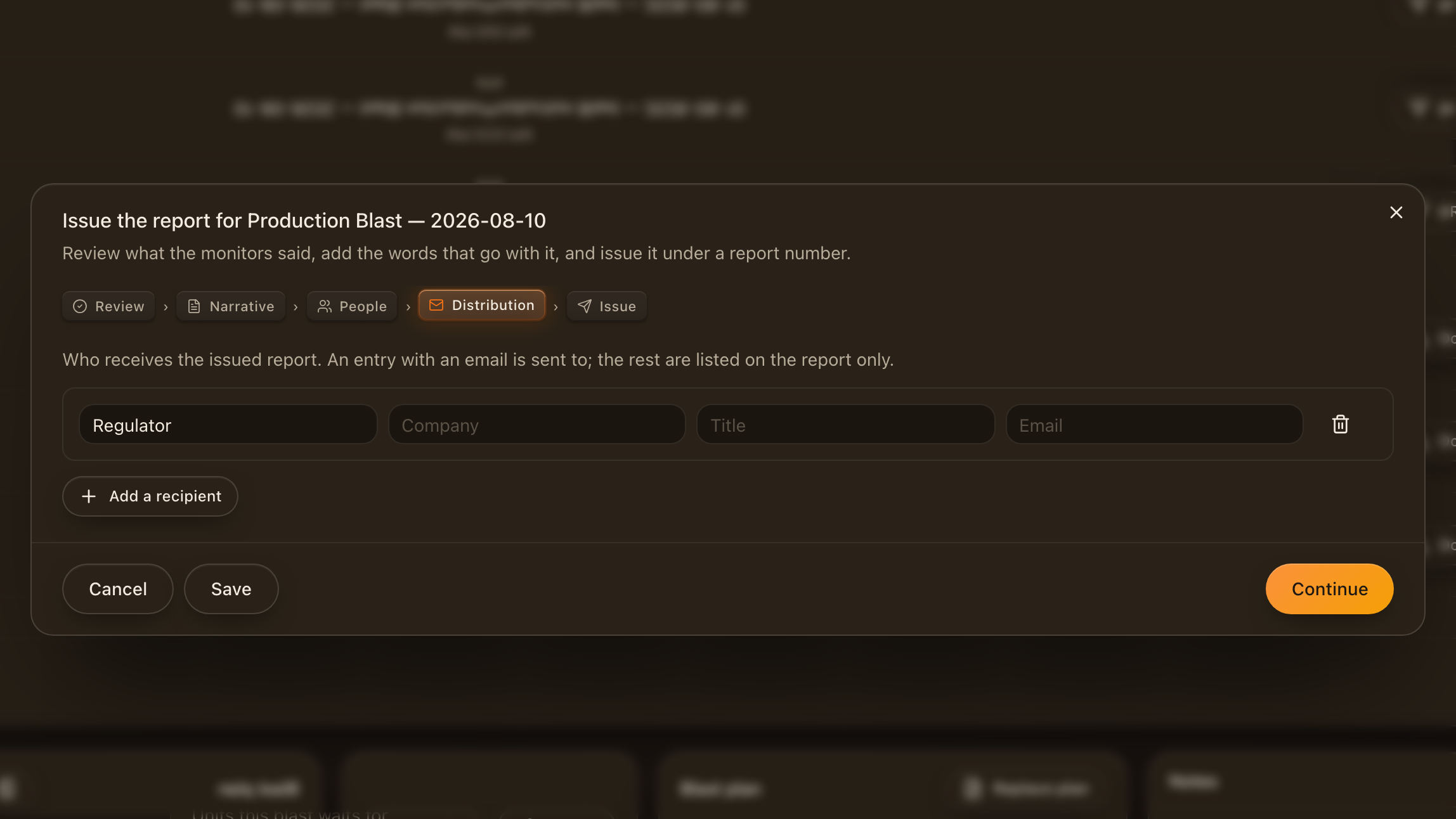
Distribution lists who the report is addressed to. The list prints on the cover and is kept with the version.
Issue
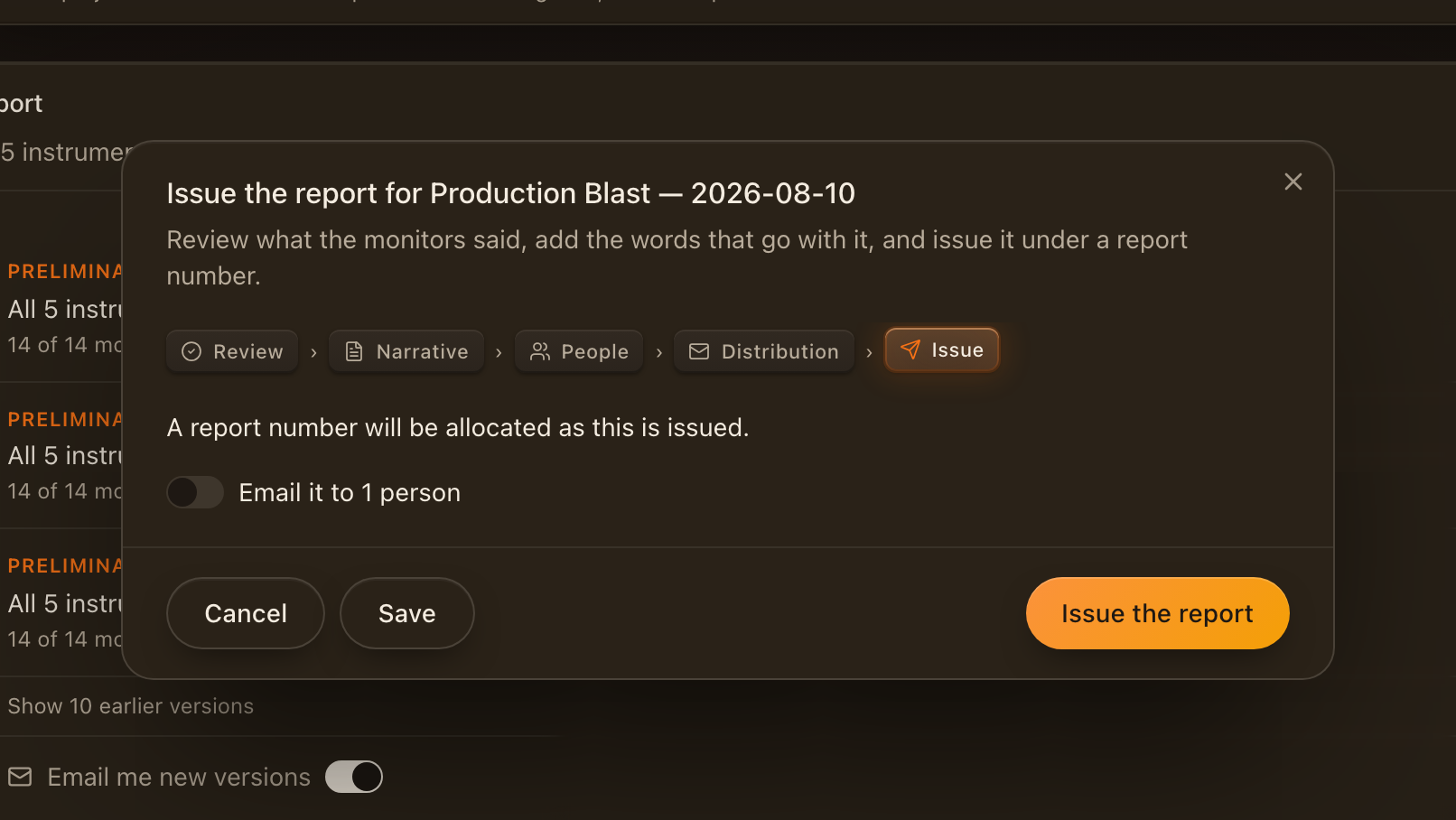
The last screen states the report number the version will take and whether it is emailed to the project's subscribers. Issue renders the PDF; the row appears in the panel as soon as it is done.
The issued version
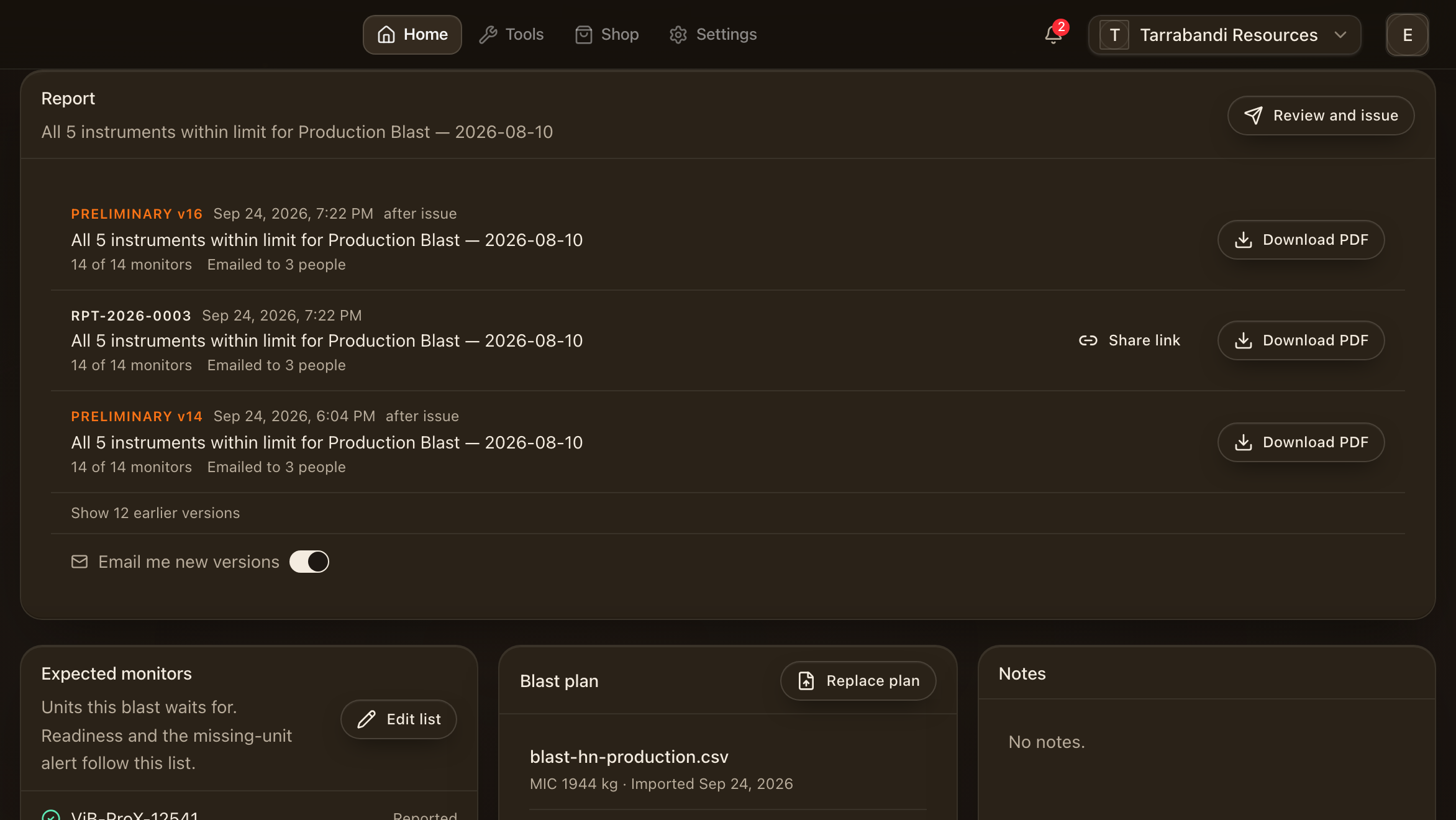
Back on the blast, the issued version sits at the top of the panel with its number, when it was issued and who it went to. Re-issuing after a change keeps the number and bumps the revision, so a corrected report is recognisably the same document.
Share a link
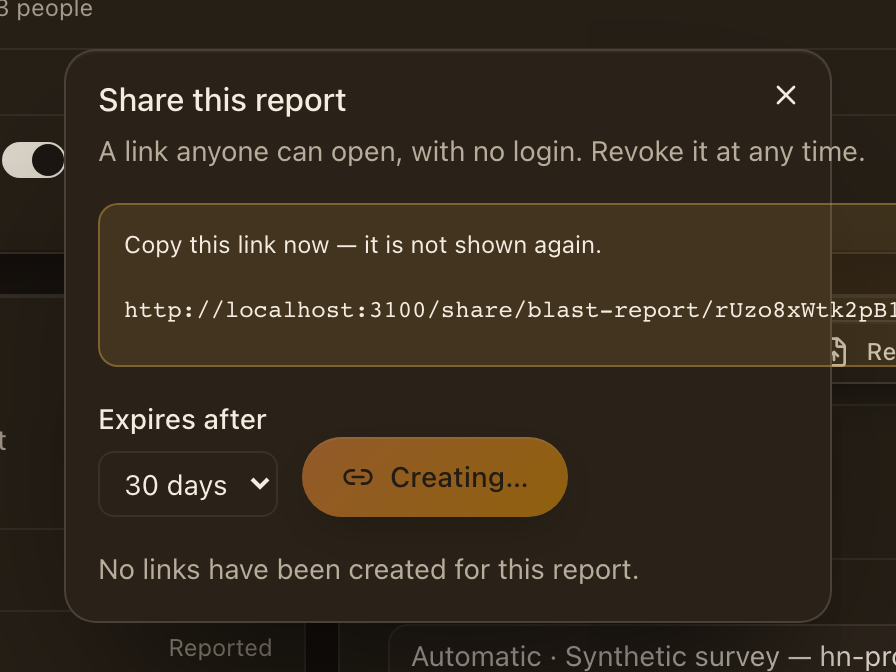
Share creates a link to that exact version for people outside the workspace. Links expire, and a revoked link stops working at once. The recipient sees the report and its download, nothing else.
The Reports list
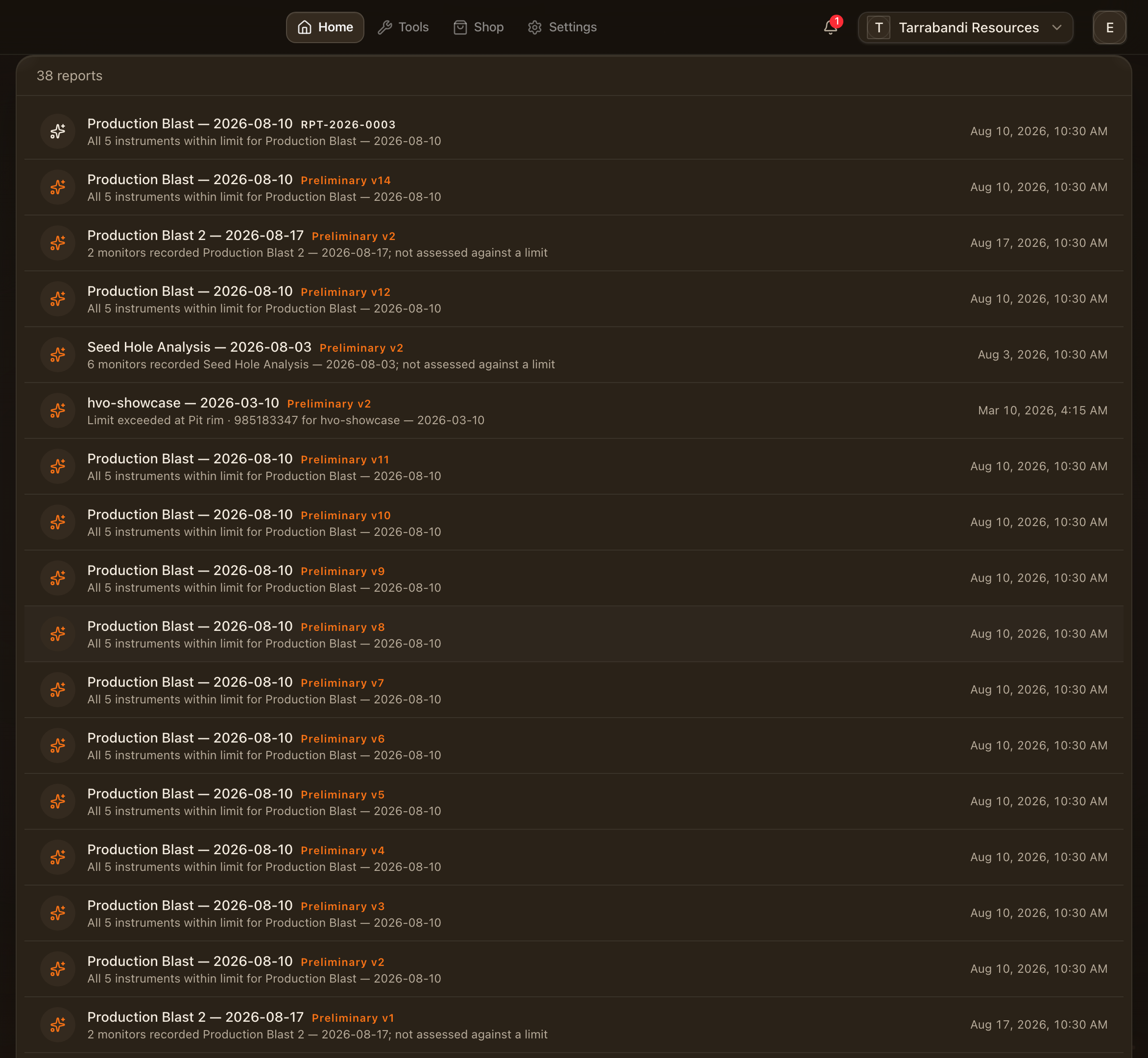
Reports in the workspace lists every blast report and every event with saved report content, so a client's set of shots is one page to work from. Each row is one blast or event with its verdict and its latest version; open it to reach the panel or the editor.
Templates
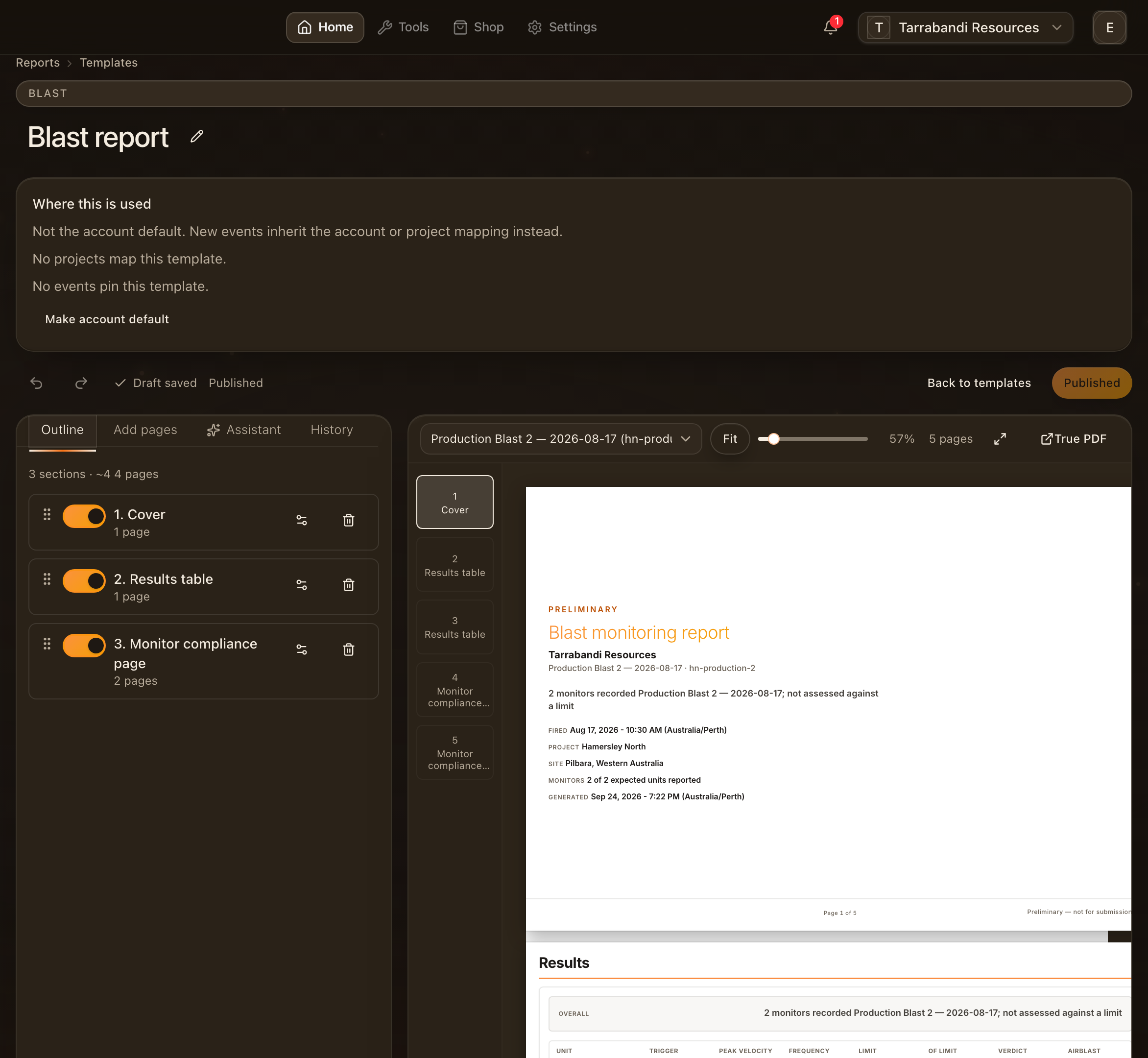
Templates is where the PDF layout lives. Start from a curated starter for VoD, ViB or blast reports, then add, remove and tune blocks, preview with a sample, and publish when it looks right. A draft stays private until then. The minimum blast report needs no template; a project can pin one, and the account's default blast template covers the rest. See Report Studio. The blocks that print seismograph records are in Seismographs in blast reports.
Where to go next
- Blasts and events — the page the report belongs to.
- Report Studio — templates and the event reports.
- Compliance and standards — how a verdict is reached.