
Report Studio
Write the report content on an event, keep the account's reports in one list, and design the PDF templates the reports are printed with.
A report is the analyser's figures, the compliance verdicts and your narrative, printed with a template your organisation controls. Three places are involved.
Report content on the event
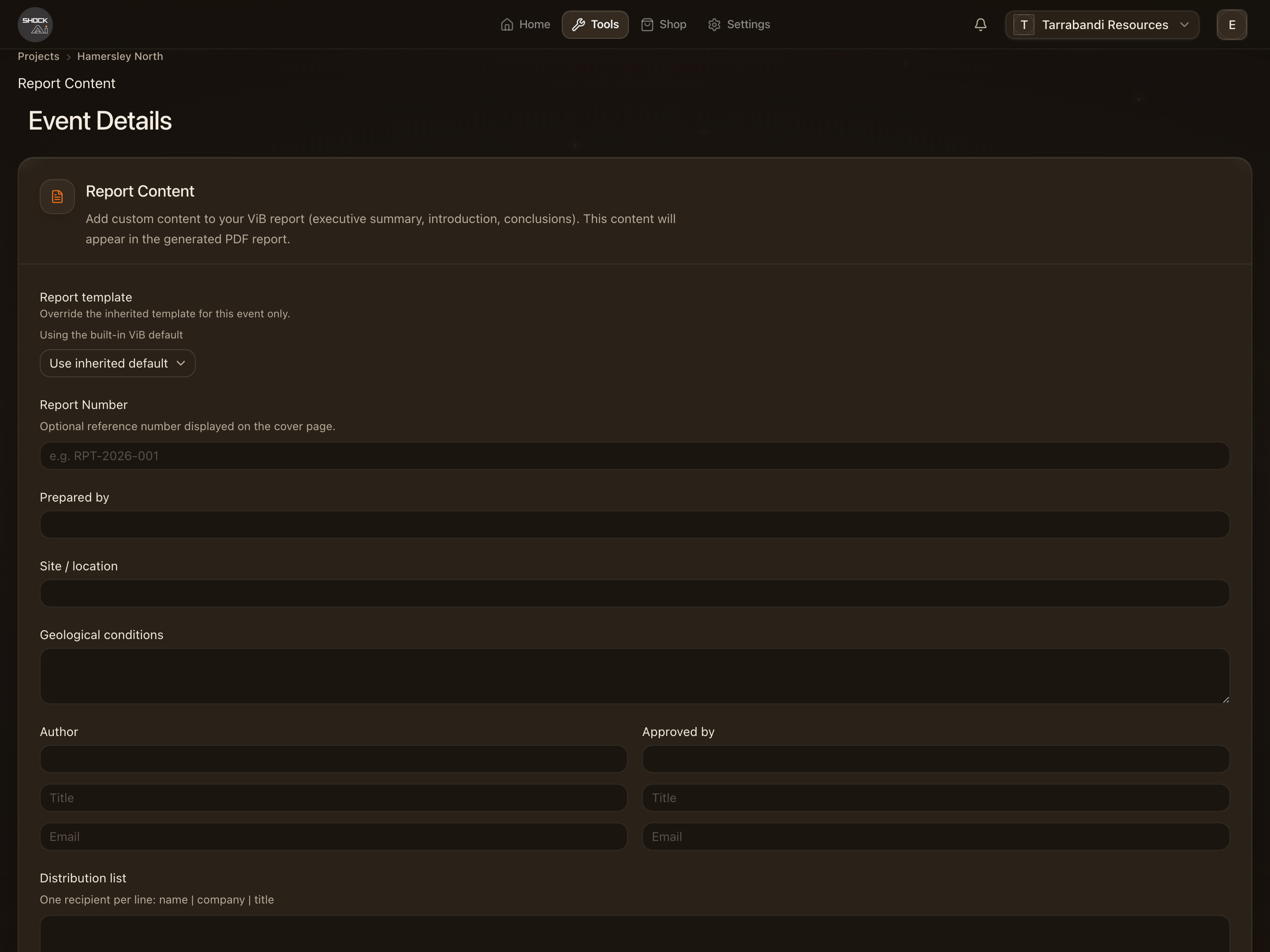
From an event's actions menu, Edit Report opens the content editor. Write the summary and the observations, choose which sections and which compliance charts print, and attach a drill map. View Report previews the result and Download Report (PDF) renders it. Saving content is what makes the event appear in the account's Reports list.
The Reports list
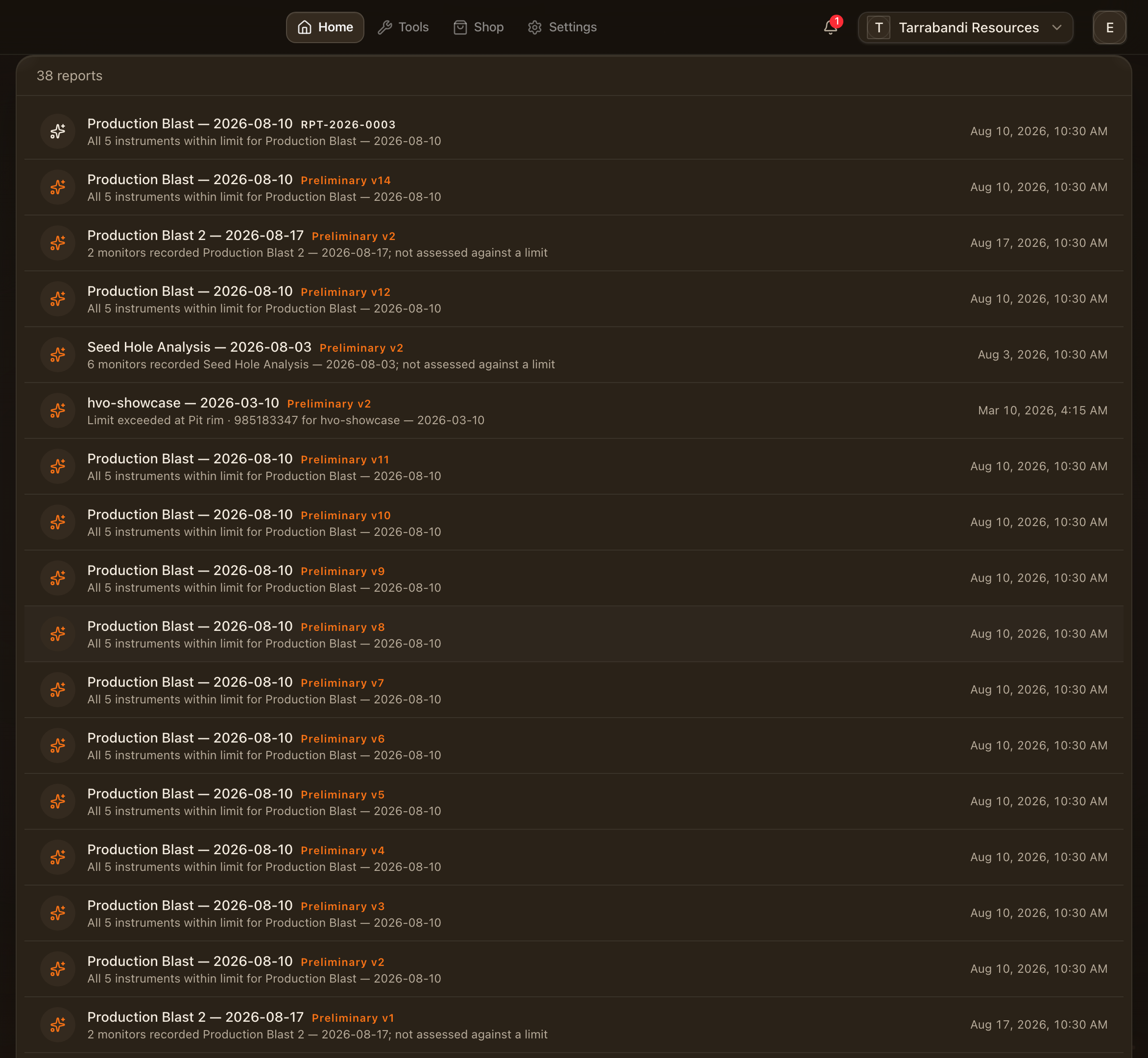
Reports in the workspace lists every blast report and every event with saved report content, so a client's set of shots is one page to work from. Blast reports have their own walk: Blast reports.
Templates
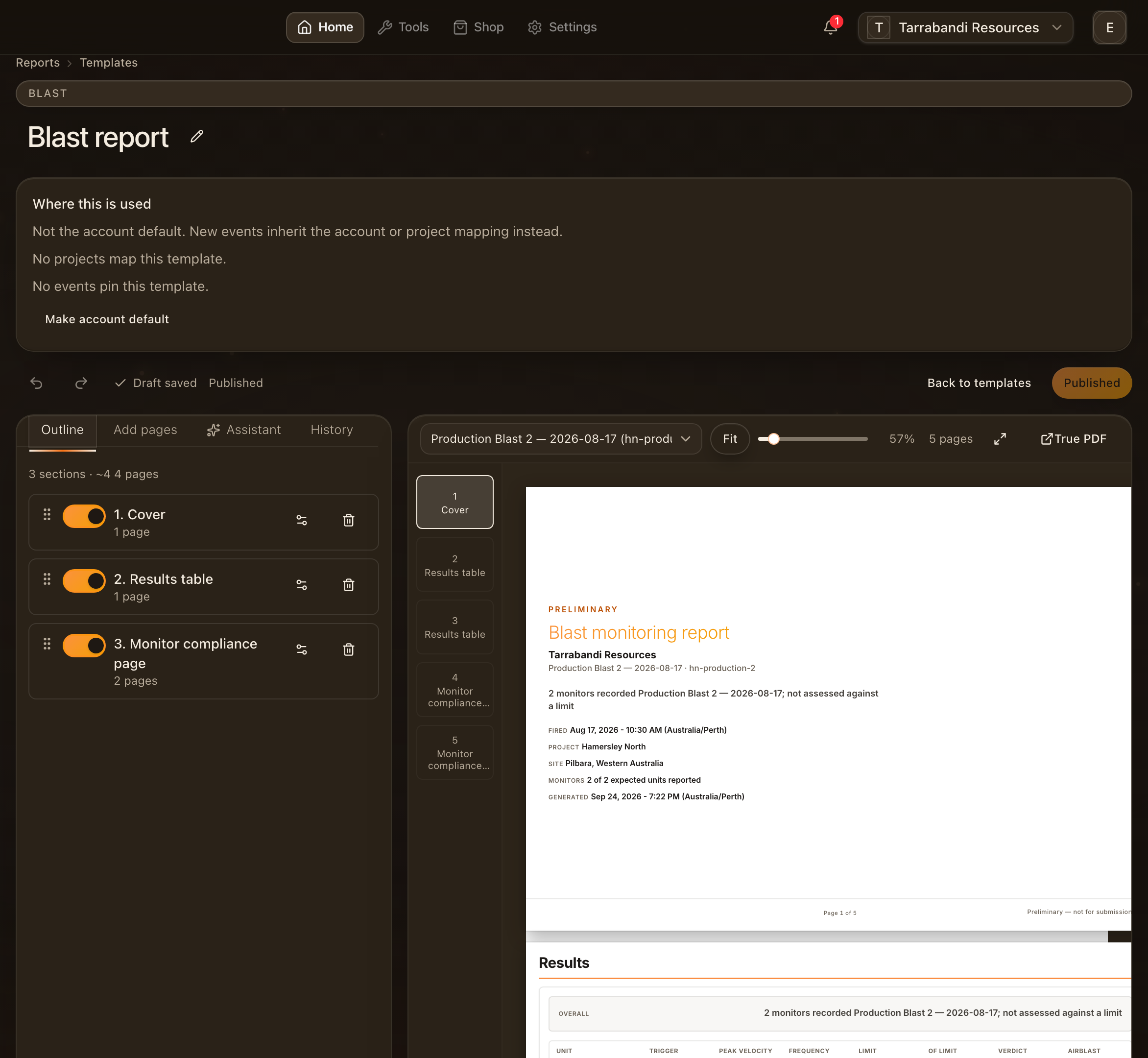
Templates is where the PDF layout lives. Start from a curated starter for VoD or for ViB, then reorder pages, tune each block, and publish when it looks right. Unpublished changes stay as a draft until you publish them. Pick a sample event to preview the template with real figures. One template per kind can be the default; any event prints with the default unless the project says otherwise. Templates can be duplicated and edited with the assistant's help.
The compliance verdicts in a printed report are the same ones scored on the event page; a chart hidden for the project is never printed.