
Project overview
Where a project's day starts: the pulse of recent events, the blasts, the fleet, the map, and the settings every verdict depends on.
A project is one site or campaign. Its overview page is where a day starts: what came in, which blasts are ready, where the units are, and the settings every verdict depends on.
The overview
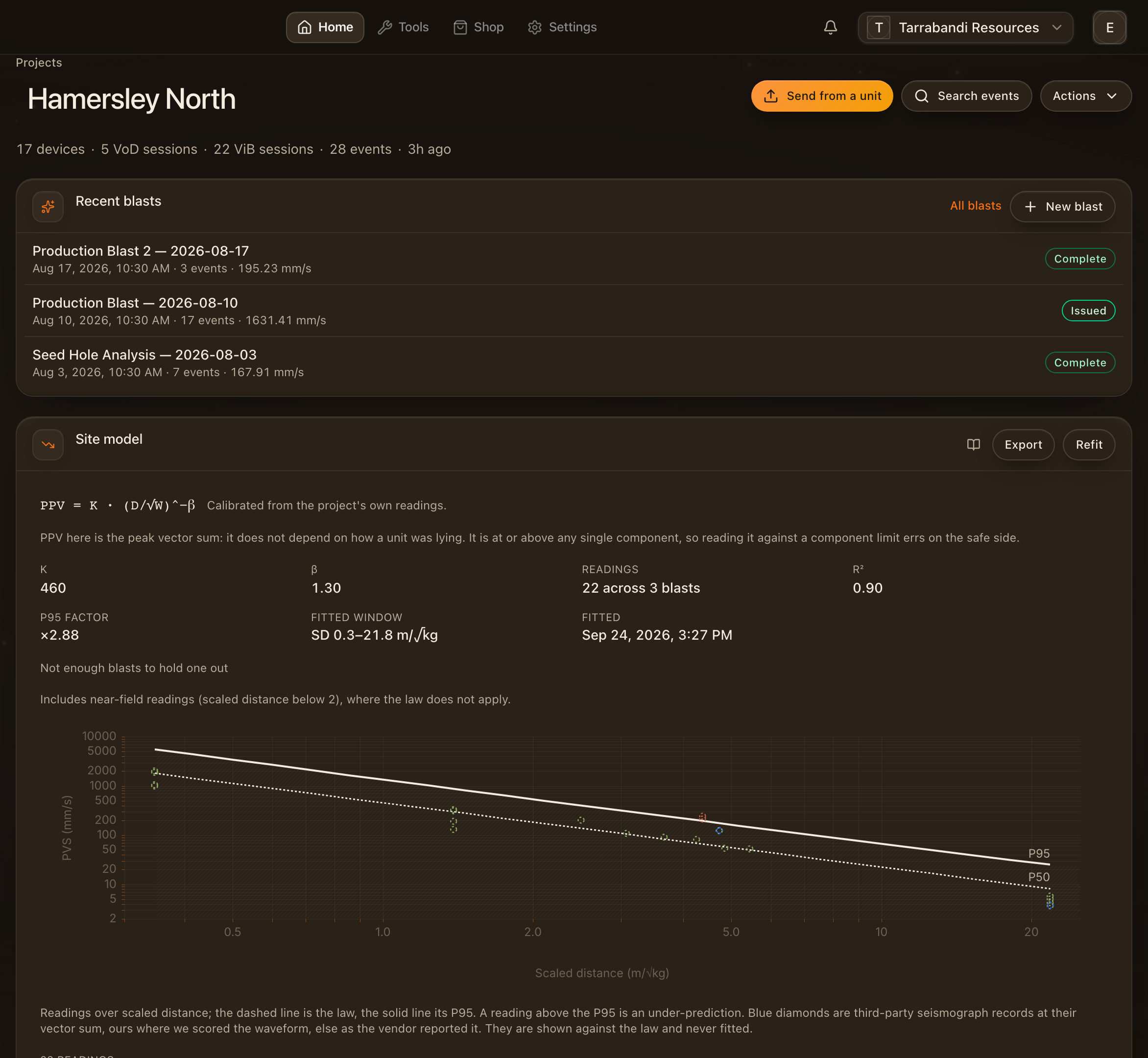
Open a project from Projects in the header. The overview gathers everything happening on the site: the pulse of recent events, the blasts on the bench, the units deployed and where they sit on the map. Each panel opens the page behind it.
Read the pulse

The pulse strip counts what came in over the recent window — events, blasts, units — and the peaks among them, so a busy week and a quiet one look different before you open anything.
Find the blasts
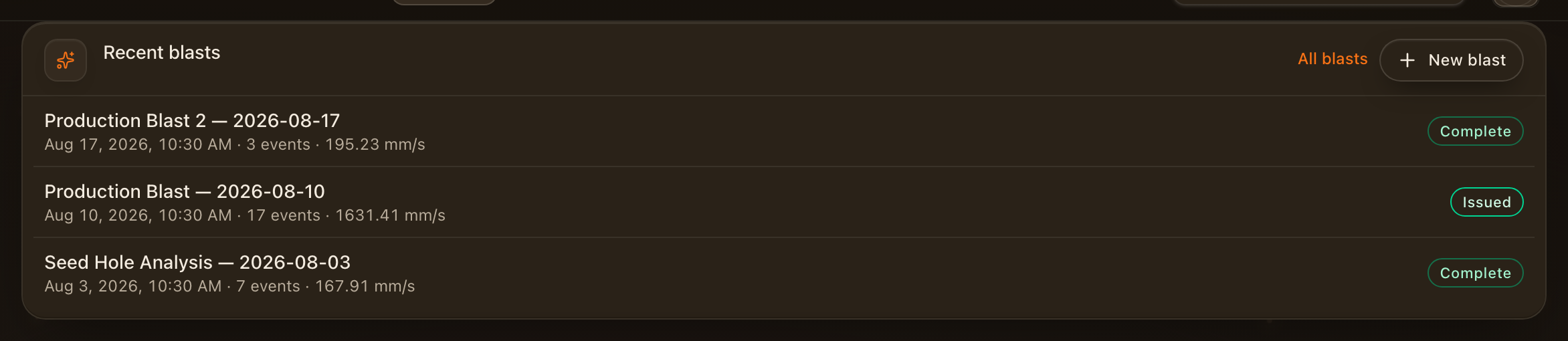
The blasts panel lists the recent shots with their readiness and, once the analysis is in, their verdict. Open one to see its monitors, its plan and its report, or View all for the blasts directory.
Check the fleet
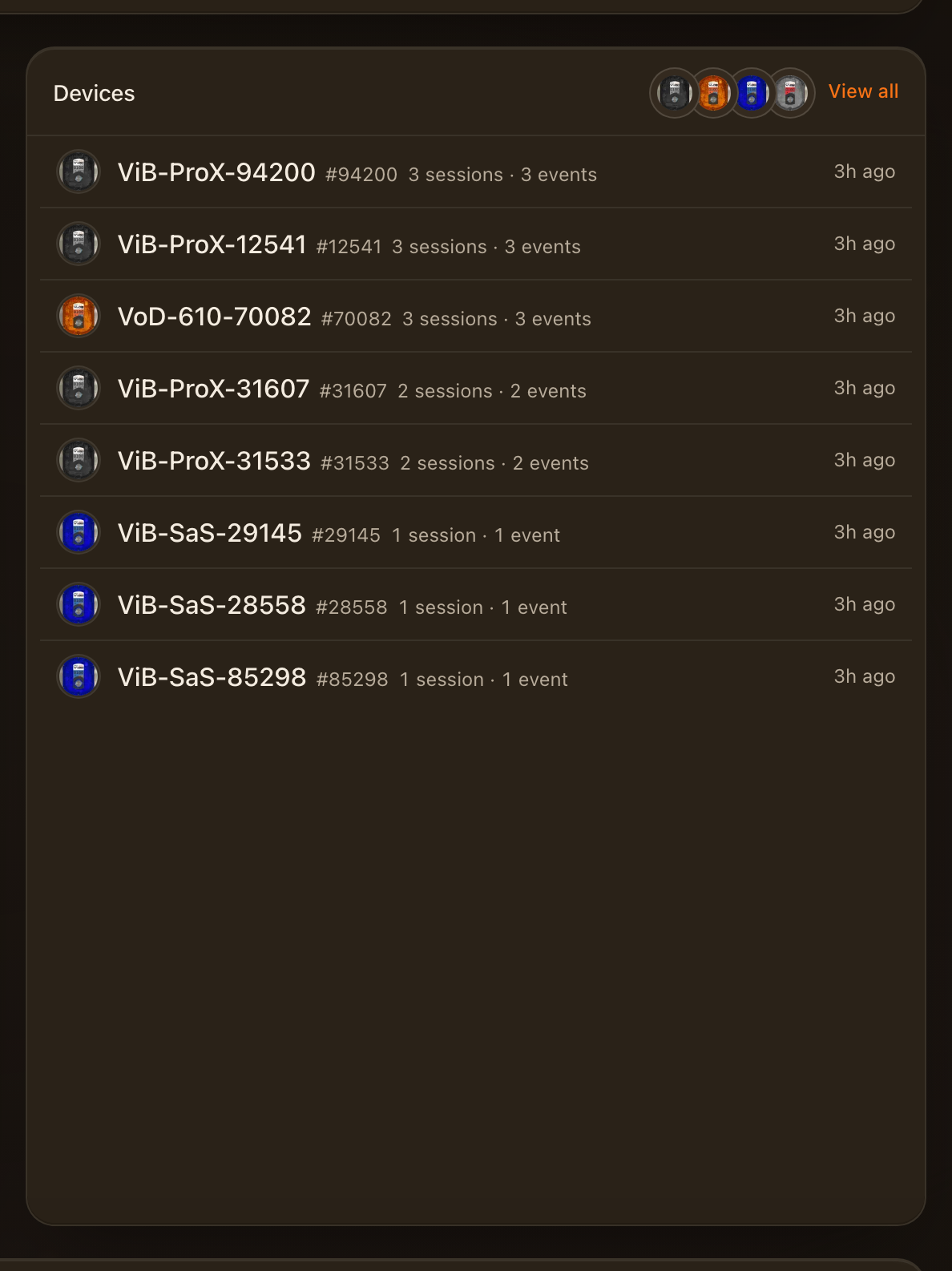
The fleet panel is every unit deployed to the project: what it last reported, its battery and its firmware, and whether anything is waiting to sync. A unit that needs attention says so here first.
See the site
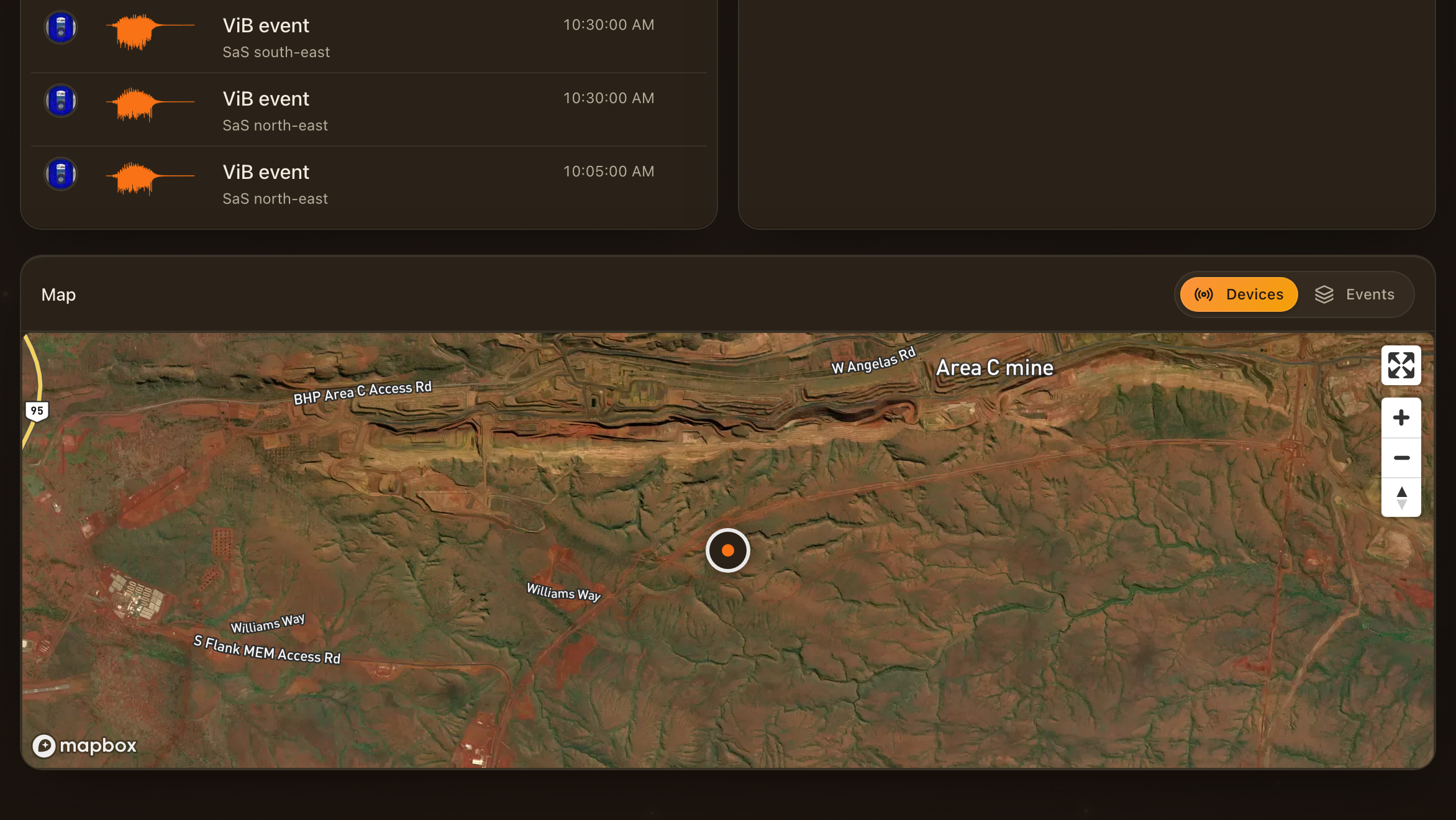
The map places the units and the blast patterns on the site. Distances between a shot and a monitor come from here, so keep the placements current — the site model and the compliance verdicts both read them.
Project actions
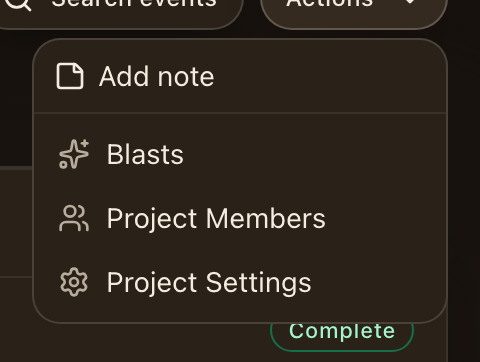
The actions menu holds everything about the project itself: its settings, its members, the compliance limits it is scored against, and the reports it sends.
Set the compliance limits
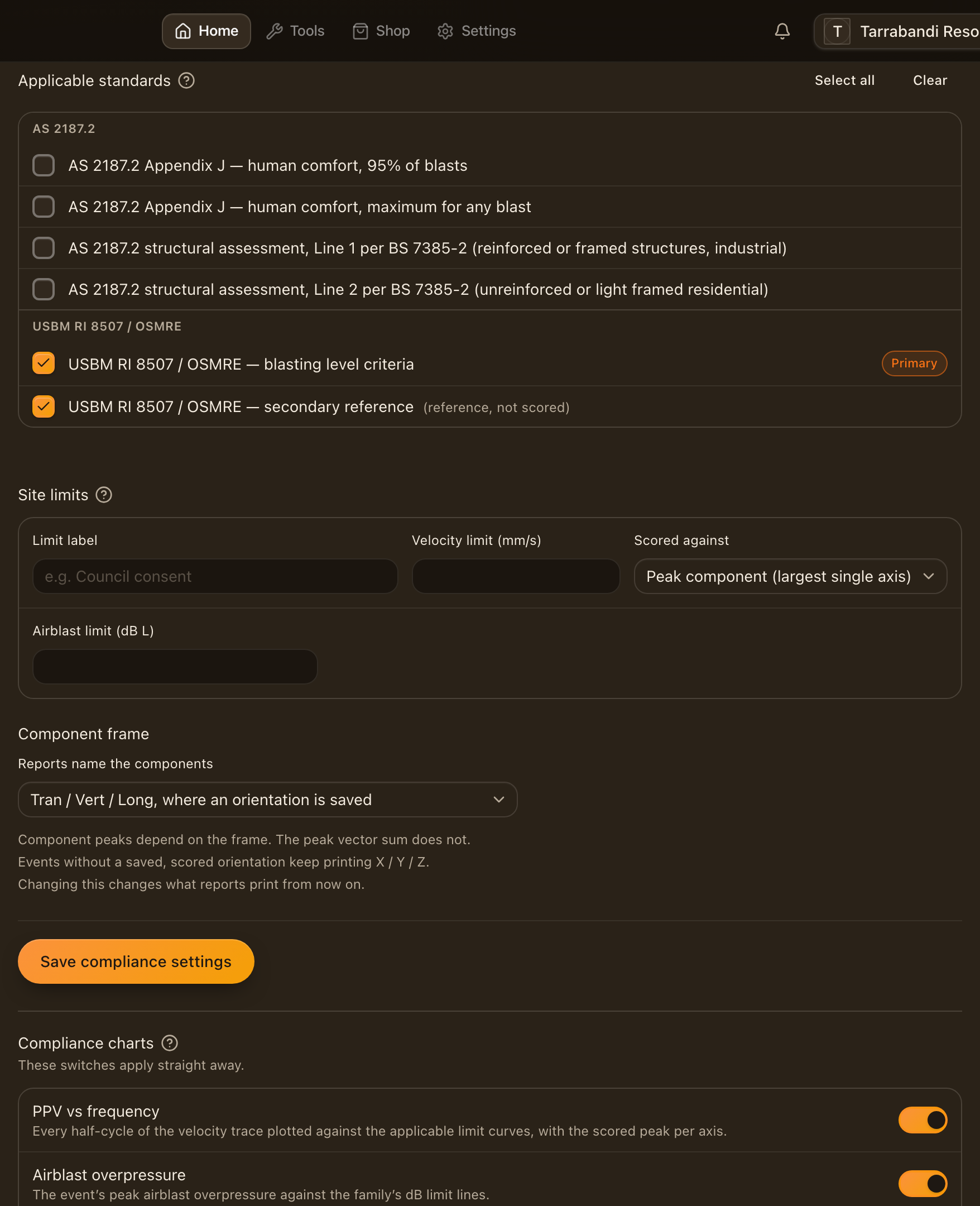
Compliance settings choose the standard and the evaluation line every event in the project is scored against. Set them before you rely on a verdict. An event can pin a different line for itself when a monitor sits at a different kind of structure; see Compliance and standards.
Where to go next
- Blasts and events — one shot, its monitors, its plan and its results.
- Projects, sessions and events — how recordings are organised.
- Sending recordings — getting data from a unit into the project.