
Reading the trace
The three views of a VoD recording (cable length, continuous and segmented VoD), what each draws, the overlays, and the timeline tracks under the overview.
A VoD recording is one trace: how much cable the detonation had consumed at each moment. The detail chart reads it three ways. Press C, V or S to switch between them.
Frame the shot
The Overview at the top spans the whole record. Drag across it to choose the window the detail chart shows, and double-click it to go back to the whole record.
The three views
| View | Key | What it shows |
|---|---|---|
| Cable Length | C | The raw trace: cable consumed against time. A zone's VoD is the slope of a straight line fitted to it. |
| Continuous VoD | V | The slope at every sample, so you can watch the front run up to speed, hold it and stop. Noise shows as spikes. |
| Segmented VoD | S | Each zone read cumulatively, from its start to ten equally spaced points along it, so a front still running up shows as a rising line. |
Press , and . to step through the views, or click the chart's title to move on to the next one. The chart-type pill in the middle of the toolbar at the bottom of the chart lists them too.
Segmented VoD needs zones: it appears once the recording has at least one. With one zone in the window its axis reads the length measured; with several it reads the interval along each zone, from 10 % to 100 %.
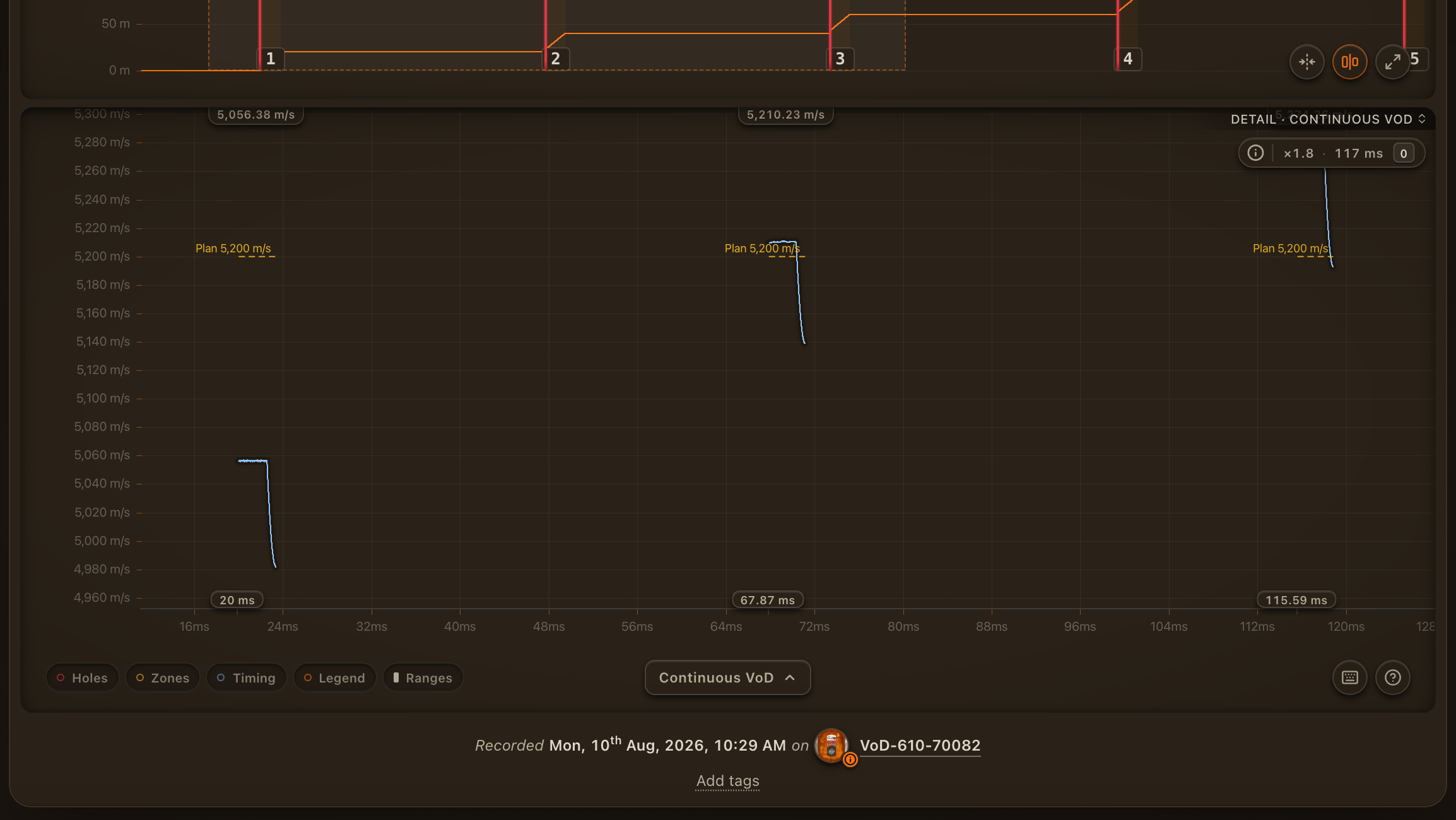
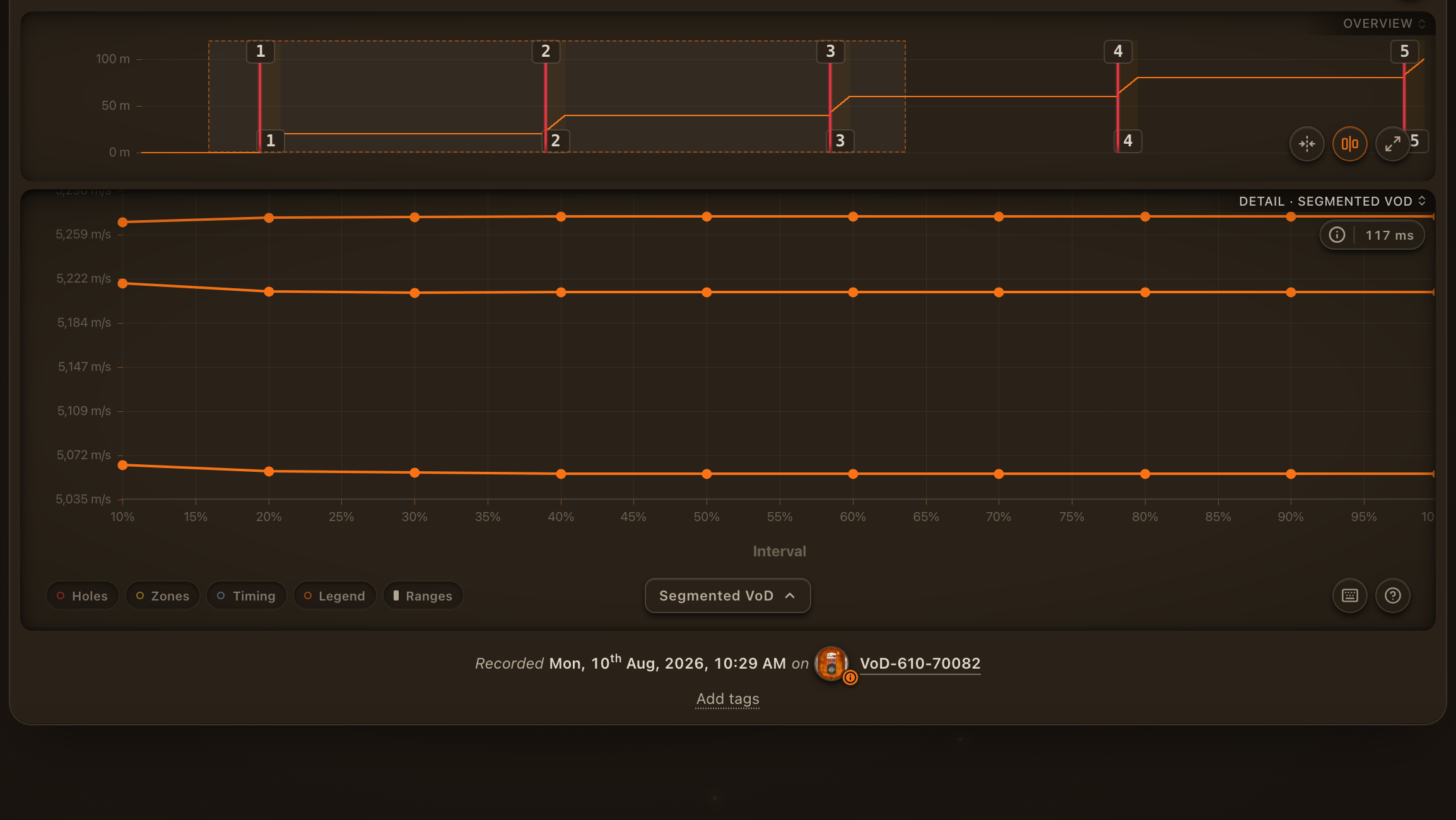
What is drawn over the trace
The pills at the bottom left of the chart choose what is drawn over the trace on Cable Length and Continuous VoD:
| Pill | Key | Shows |
|---|---|---|
| Holes | H | A marker where each hole's cut sits on the trace |
| Zones | Z | The zones, shaded |
| Timing | B | Each hole's planned firing time, when the holes carry one. See Blast timing. |
| Ranges | Shift+R | The same stretch of every hole. See Comparing ranges. |
Segmented VoD draws none of them. On Continuous VoD, a hole with a planned VoD also carries a dashed Plan line across its zones.
Hold the scale
On Cable Length the vertical scale fits whatever window you frame. Press Shift+Y, or click the scale lock in the toolbar, to hold it to the whole record instead, so a zoomed stretch keeps its true proportion against the shot.
The timeline tracks
Press Shift+O, or click the Overview title, to swap the overview for the Timeline: three tracks for Holes, Timing and Zones along the whole record. Your choice is remembered.

- Holes marks each hole's cut. Click an empty stretch to place a hole there.
- Timing carries the planned firing times, or the button to import the blast plan when there is none.
- Zones draws each zone as a band. Drag across an empty stretch to create one.
Holes and zones covers what each track lets you do.