
Keyboard shortcuts
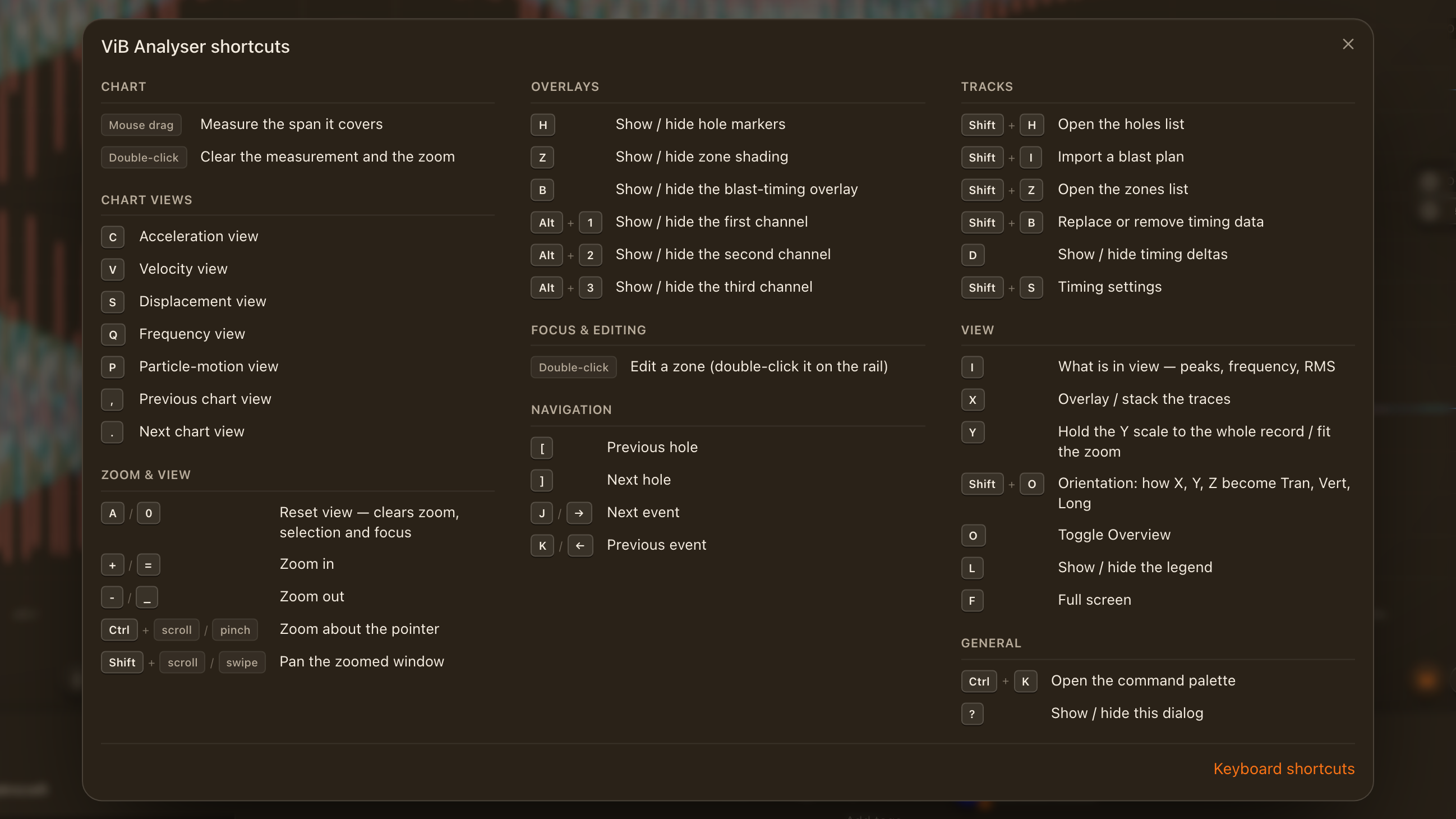
Every ViB Analyser shortcut, generated from the analyser's own action registry so this page can never drift from the keys that fire.
Press ? in the analyser to open the shortcuts sheet at any time. This page lists the same actions; it is generated from the analyser's action registry, so the two cannot disagree.
Letters fire when the chart has your attention and nothing else has focus. Chords with Shift or ⌘/Ctrl fire even when a button is focused. ⌘ on a Mac is Ctrl elsewhere.
0:23
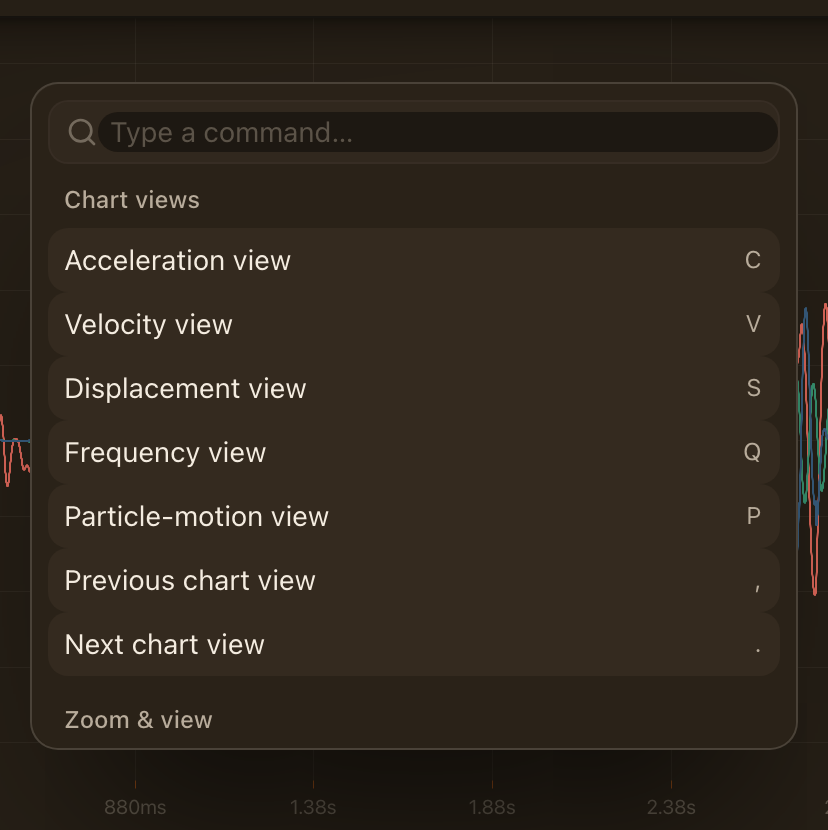
Command palette
Press Ctrl+K to open the command palette: type part of an action's name and press Enter to run it. Anything with a shortcut is in the palette, so it is also the quickest way to learn the keys.
All shortcuts
| Action | Keys |
|---|---|
| Chart | |
| Zoom to the measured span | Enter |
| Clear the measured span | Esc |
| Measure the span it covers | Mouse drag |
| Clear the measurement and the zoom | Double-click |
| Drag to pan while zoomed | Space |
| Pan while zoomed (hold to glide) | ←/→ |
| Pan half a window | Shift+←/Shift+→ |
| Jump to the start / end of the record | Home/End |
| Chart views | |
| Acceleration view | C |
| Velocity view | V |
| Displacement view | S |
| Frequency view | Q |
| Particle-motion view | P |
| Previous chart view | , |
| Next chart view | . |
| Zoom & view | |
| Reset view — clears zoom, selection and focus | A/0 |
| Zoom in | +/= |
| Zoom out | -/_ |
| Zoom in / out under the pointer | ↑/↓ |
| Zoom about the pointer | scroll |
| Pan the zoomed window | scroll |
| Overlays | |
| Show / hide hole markers | H |
| Show / hide zone shading | Z |
| Show / hide the blast-timing overlay | B |
| Show / hide the first channel | Alt+1 |
| Show / hide the second channel | Alt+2 |
| Show / hide the third channel | Alt+3 |
| Focus & editing | |
| Nudge the hole or zone being edited | ←/→ |
| Larger nudge (×10 samples) | Shift+←/Shift+→ |
| Largest nudge (×50 samples) | Ctrl+←/Ctrl+→ |
| Resize the zone start edge | Alt+←/Alt+→ |
| Resize the zone end edge | Alt+Shift+←/Alt+Shift+→ |
| Undo the last annotation change | Ctrl+Z |
| Redo the last annotation change | Ctrl+Shift+Z |
| Navigation | |
| Previous hole | [ |
| Next hole | ] |
| Previous zone | { |
| Next zone | } |
| Next event | J/→ |
| Previous event | K/← |
| Search events (team workspaces) | / |
| Tracks | |
| Open the holes list | Shift+H |
| Import a blast plan | Shift+I |
| Open the zones list | Shift+Z |
| Replace or remove timing data | Shift+B |
| Show / hide timing deltas | D |
| Timing settings | Shift+S |
| View | |
| Overlay / stack the traces | X |
| Shared / independent pane scale | Shift+Y |
| Spectrum of velocity | 1 |
| Spectrum of acceleration | 2 |
| Spectrum of displacement | 3 |
| Orientation: how X, Y, Z become Tran, Vert, Long | Shift+O |
| Show / hide the legend | L |
| Hold the Y scale to the whole record / fit the zoom | Y |
| Toggle Overview | O |
| Full screen | F |
| What is in view — peaks, frequency, RMS | I |
| General | |
| Show / hide this dialog | ? |
| Exit measure, cancel an edit, or clear focus | Esc |
| Open the command palette | Ctrl+K |
| Exit full screen | Esc |