
Keyboard shortcuts
Every ShockAI Visualiser shortcut, generated from the Visualiser's own keymap so this page can never drift from the keys that fire, with the mouse moves beside them.
Press ? in the Visualiser, or the keyboard button in the title bar, for the shortcuts sheet. This page lists the same keys. It is generated from the Visualiser's own keymap, so the two cannot disagree.
0:07
Keys work while the scene has your attention: not while you type in a field, and not while a menu or the sheet itself is open. A key whose layer does not apply to this blast, such as the section view above ground, does nothing.
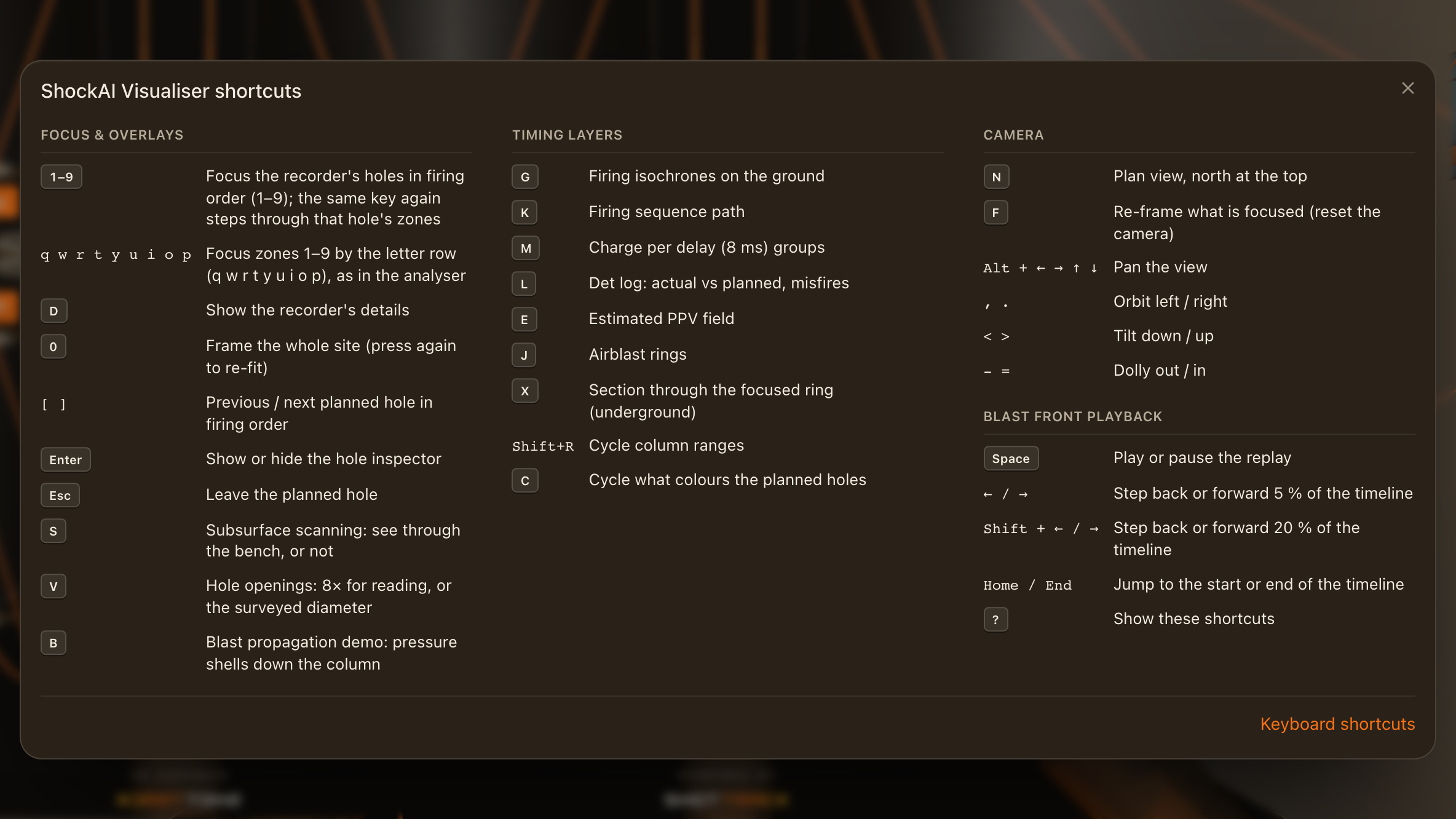
All shortcuts
| Action | Keys |
|---|---|
| Focus & overlays | |
| Focus the recorder's holes in firing order (1–9); the same key again steps through that hole's zones | 1–9 |
| Focus zones 1–9 by the letter row (q w r t y u i o p), as in the analyser | q w r t y u i o p |
| Show the recorder's details | D |
| Frame the whole site (press again to re-fit) | 0 |
| Previous / next planned hole in firing order | [ ] |
| Show or hide the hole inspector | Enter |
| Leave the planned hole | Esc |
| Subsurface scanning: see through the bench, or not | S |
| Hole openings: 8× for reading, or the surveyed diameter | V |
| Blast propagation demo: pressure shells down the column | B |
| Timing layers | |
| Firing isochrones on the ground | G |
| Firing sequence path | K |
| Charge per delay (8 ms) groups | M |
| Det log: actual vs planned, misfires | L |
| Estimated PPV field | E |
| Airblast rings | J |
| Section through the focused ring (underground) | X |
| Cycle column ranges | Shift+R |
| Cycle what colours the planned holes | C |
| Camera | |
| Plan view, north at the top | N |
| Re-frame what is focused (reset the camera) | F |
| Pan the view | Alt + ← → ↑ ↓ |
| Orbit left / right | , . |
| Tilt down / up | < > |
| Dolly out / in | - = |
| Blast front playback | |
| Play or pause the replay | Space |
| Step back or forward 5 % of the timeline | ← / → |
| Step back or forward 20 % of the timeline | Shift + ← / → |
| Jump to the start or end of the timeline | Home / End |
| Show these shortcuts | ? |
Mouse and trackpad
| Move | How |
|---|---|
| Orbit | Drag |
| Pan | Right-drag, or three fingers |
| Move in and out | Scroll, pinch or middle-drag, towards the pointer |
| Focus a zone | Click it |
| Focus a recorded hole | Double-click it |
| Select a planned hole | Click it |
| Focus a unit | Click it, in the scene or the device tray |
On a touch screen, one finger orbits and two fingers move in and out.