
Underground
An underground blast read as a drive, not a bench: rings of holes around the drive they were drilled from, a section cut through one ring, and the surveyed excavation around it.
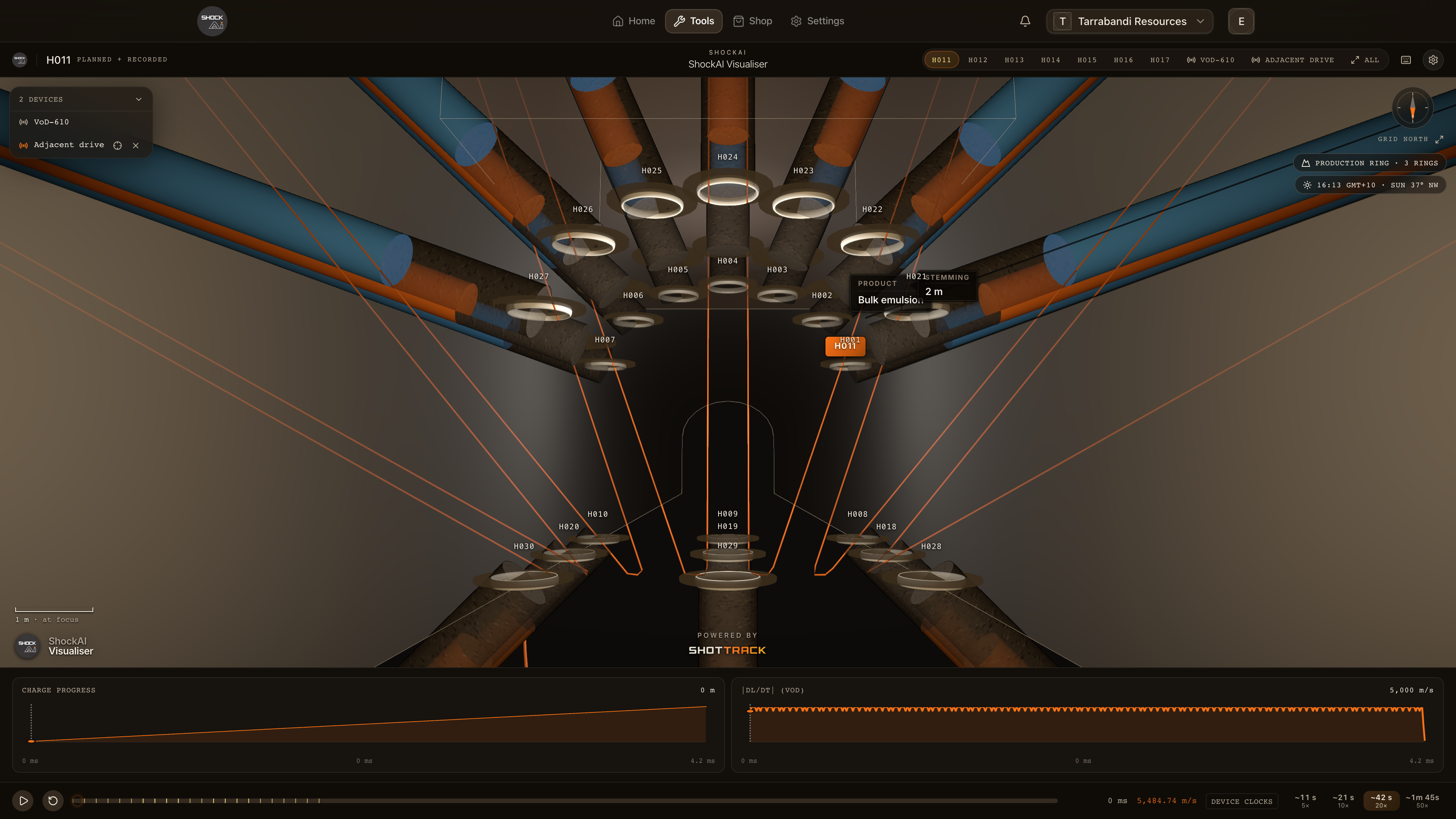
An underground blast reads as a drive, not a bench. The rings of holes fan out from the drive they were drilled from, and the scene draws the rock around it instead of the ground. Press X to cut a slab through the focused ring, so its holes can be read without the others in front of them.
The clips on this page are filmed on Westwood Underground, a sample project that is not in the in-app Demo.
How the Visualiser knows
A blast is drawn underground when its project says it is an underground blast, or when its plan reads like one: up-holes, holes fanning off vertical, collars on a standing plane. The chip at the top names what it found: a Production ring and how many rings, or a Development round. When the reading came from the holes rather than the project, the chip says Reading as underground, and its tooltip explains why.
Until an excavation model is pinned to the blast, the drive is worked out from the collars.
The section view
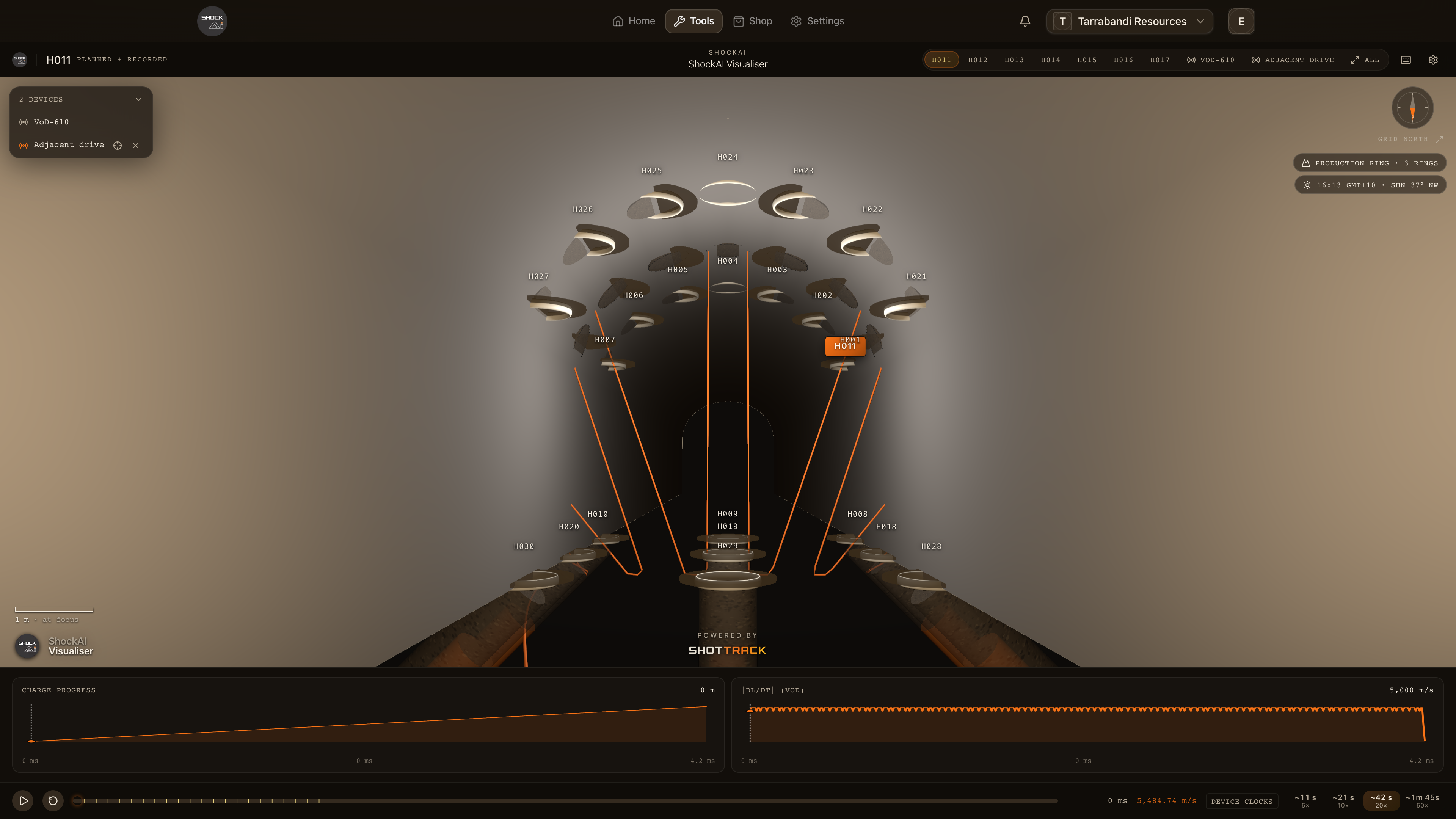
Press X to cut a slab through the focused ring. The rock, the drive and the planned holes outside the slab are cut away. Under Section view in the settings, choose its width: ±1 m, ±1.5 m (the default) or ±3 m. Choosing a width also turns the section on, and Off turns it off.
The ring is the one the selected planned hole belongs to or, failing that, the focused hole's, or else the ring nearest the camera.
Excavation models
Excavation models are the surveyed wireframes of the mine: the drives and stopes, from DXF, OBJ or STL files kept on the project. A blast shows the models pinned to it or, when none are pinned, every processed model within 200 m of the pattern.
- With subsurface scanning on, the models are drawn see-through. With it off, they are drawn solid.
- The section view cuts them too.
- A pinned model within 15 m of the drive the Visualiser worked out replaces it.
Underground, the ground-level layers (isochrones, the PPV estimate and the airblast rings) are not drawn.